

The profile fixes an identity behind every byline
A byline needs more than a display name. The identity fields establish who the author is, where they work, and how their name should appear publicly. Name identifies the profile inside your workspace. External name holds the exact name shown on the author’s public byline, while Title and Company supply the professional context around it. Turn on Primary to “Make this the default author whose byline is used unless another is chosen.” We recommend setting one primary author so tasks don’t fall back to an unspecified byline.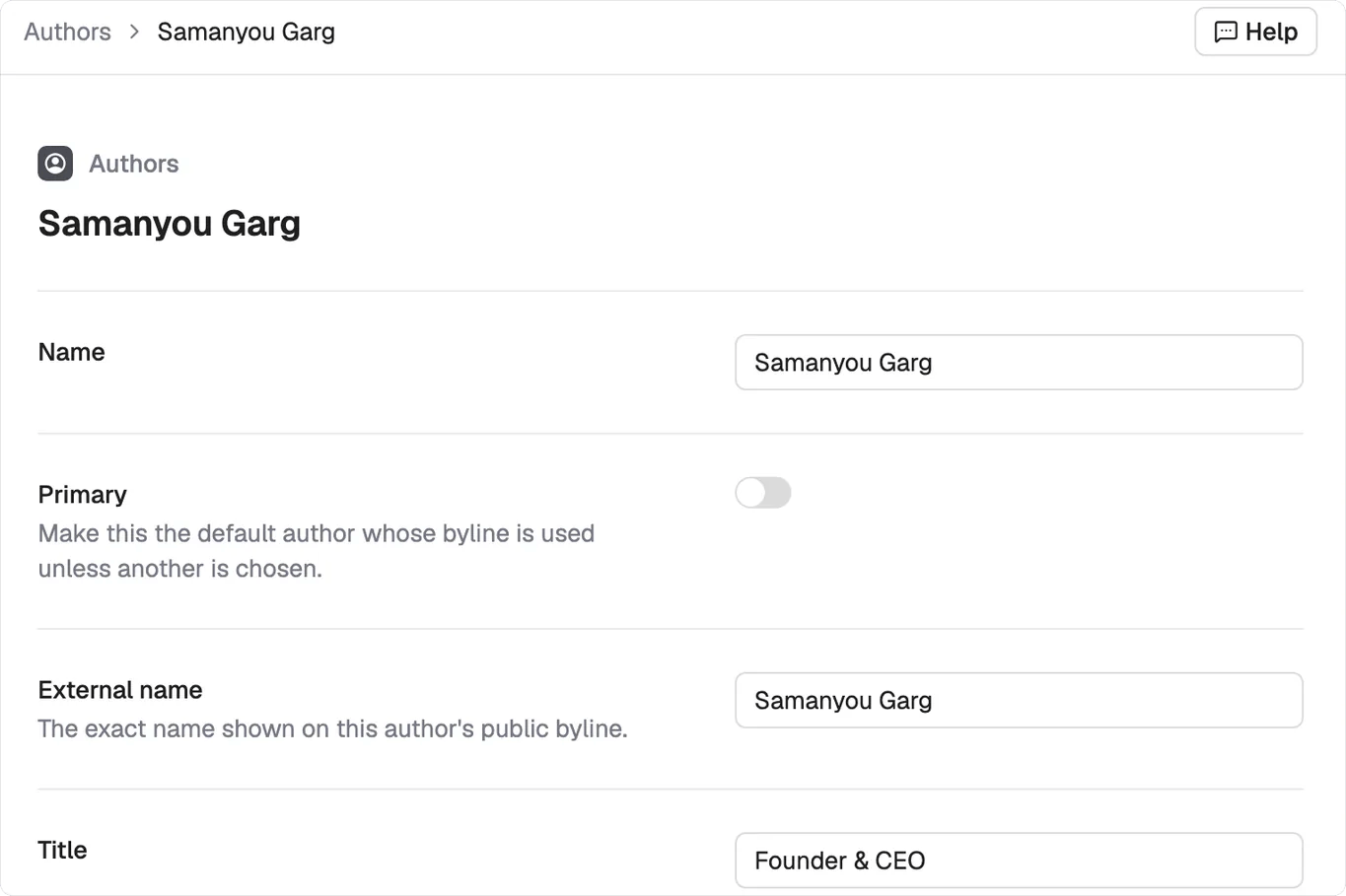
The identity fields at the top of an author profile, including Name, Primary, External name and Title.
Three bio lengths keep the same identity usable
Each profile holds three bio variants at about 50, 100 and 200 words. That gives the agent an appropriate version for a compact byline, a standard author box, or a page that has room for a fuller background. The three versions should tell the same story at different depths. Keep the name, role and main area of expertise consistent, then use the longer versions to add supporting experience.Credentials turn the byline into an E-E-A-T record
Education, Previous roles, and Notable capture the evidence behind the author’s authority. Previous roles record both the company and the role, so the profile can carry relevant career experience instead of relying on a broad claim of expertise. This is the E-E-A-T record behind the byline. Use Notable for specific work, recognition, or experience that helps explain why this person can credibly cover the subject. Add LinkedIn, Twitter, and Website under Social so the public identity can be connected to its source profiles.Permissions keep founder and company bylines distinct
Permissions decide what an author is allowed to do in generated content. Each one is a toggle with a plain description, covering things like making predictions, taking contrarian positions, sharing personal opinions, telling company stories, speaking for the company as “we”, making direct recommendations, criticising competitors, and discussing pricing.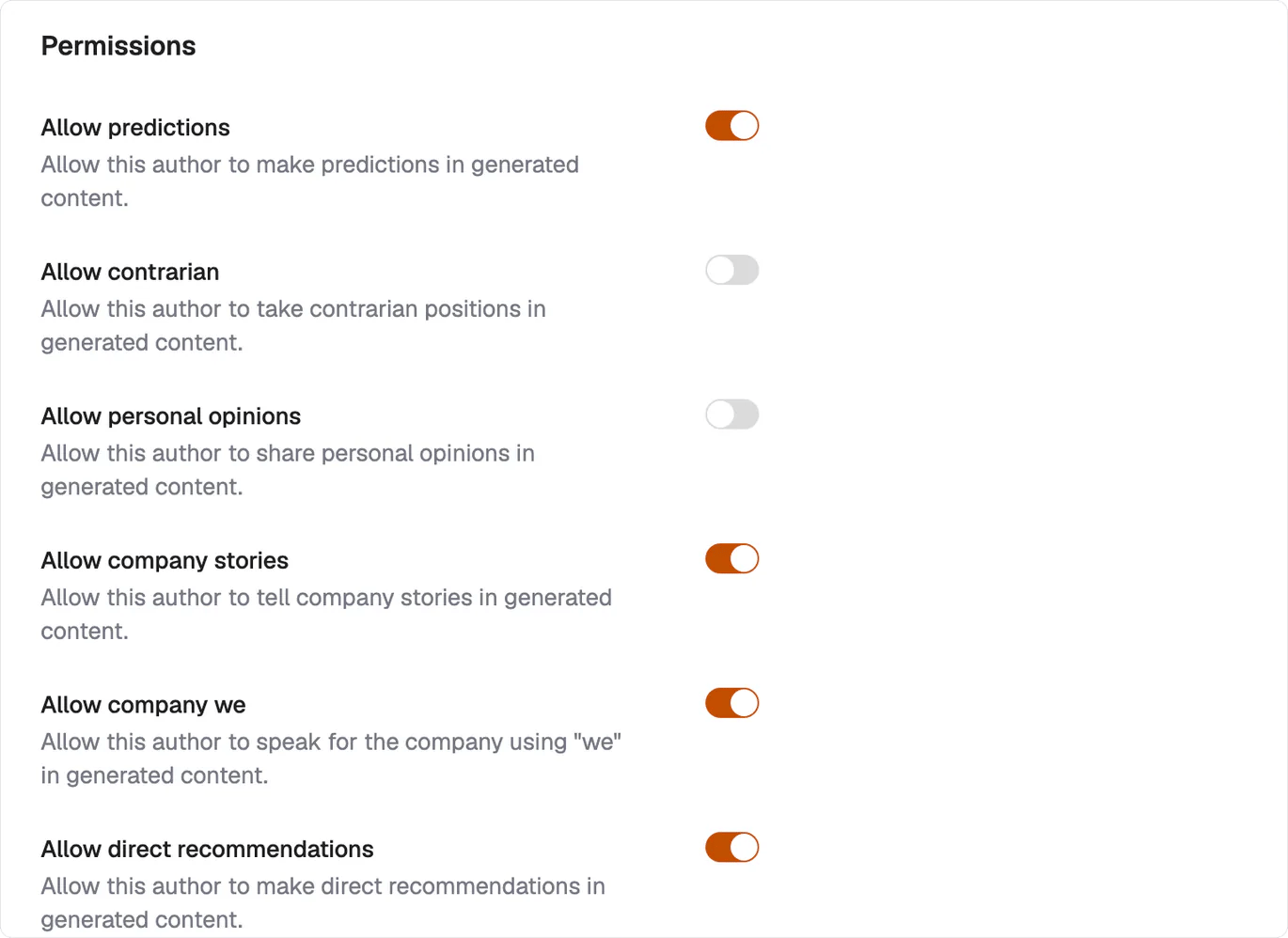
Each permission is a separate decision. A founder byline and a company byline can sit in the same workspace with different answers.
Hard prohibitions stop the author crossing known lines
Things this author would never say is a list of statements that generated content must avoid. It records explicit boundaries that broad voice guidance can miss. Two real entries from one profile: “SEO doesn’t matter anymore” and “Traditional search will never change”. Write them as direct statements the author rejects. That gives the agent a concrete prohibition instead of asking it to infer one from tone.An author tag carries the profile into a task
When a task should use a particular byline, tag the author into the task to write as them. The identity, biography, credentials and permissions then travel together as one profile. See tagging context for how to add that author alongside the task’s other context.What’s next
Voices
Define the register an author should use.
Tagging context
Add an author profile to a task.