

Open the Templates tab to see them
Playbooks splits into three tabs. All playbooks is everything available to you, Your playbooks is what your workspace has built, and Templates is what ships with the product. The tab shows the count for your workspace. The list shows ten at a time, so use the pagination at the bottom to reach the rest.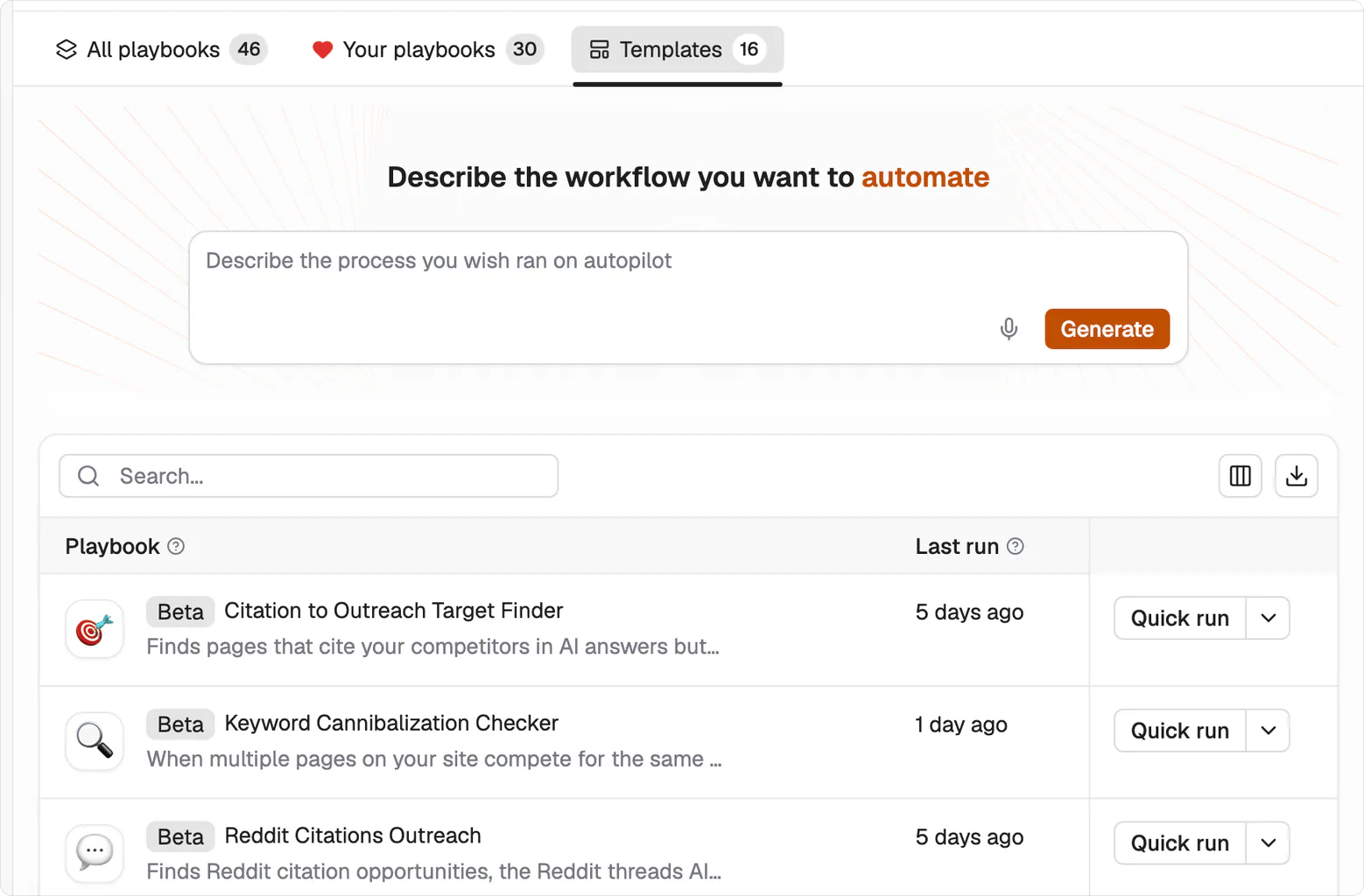
The Templates tab. Beta badges sit next to the playbook name, and Last run tells you whether anyone in your workspace has used it.
What each one does
Most of them carry a Beta badge. Beta playbooks run normally. The badge means the steps are still being tuned, so read the output before you trust it at volume.Write and publish
Improve pages you already have
Diagnose
Win citations off your own site
Research
Running one
Each row has a Quick run action, which takes one input and returns one result. Open the playbook itself and you get the same thing as Single run, alongside Create grid for running it across many rows at once. The playbook’s own screen also keeps its run history, so you can see how previous runs ended before you commit to a large one. Start with Quick run on real input. A template you’ve watched work once is a template you can safely put in a grid.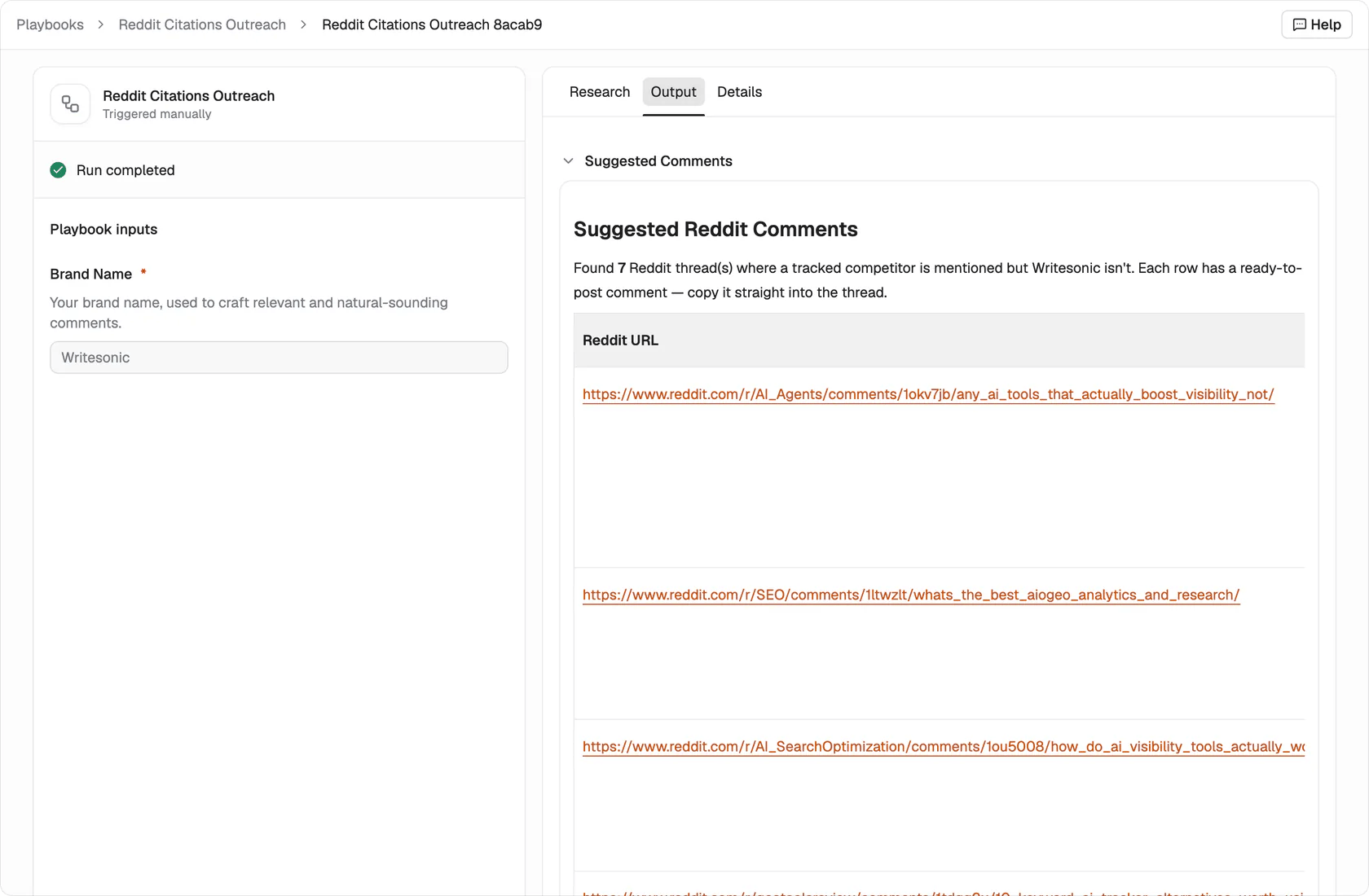
A finished run. The inputs it was given sit on the left, and the deliverable is under Output.
Every template can become your own
A template is a starting structure, not a locked process. Open it in the editor, keep the steps that match how you work, and change the ones that don’t.What’s next
Build a playbook
Describe your own process and turn it into a playbook.
Grids
Run one playbook across many rows.