

Describe the process instead of wiring every step
The box on the Playbooks screen reads “Describe the workflow you want to automate.” Type the procedure or dictate it, then select Generate.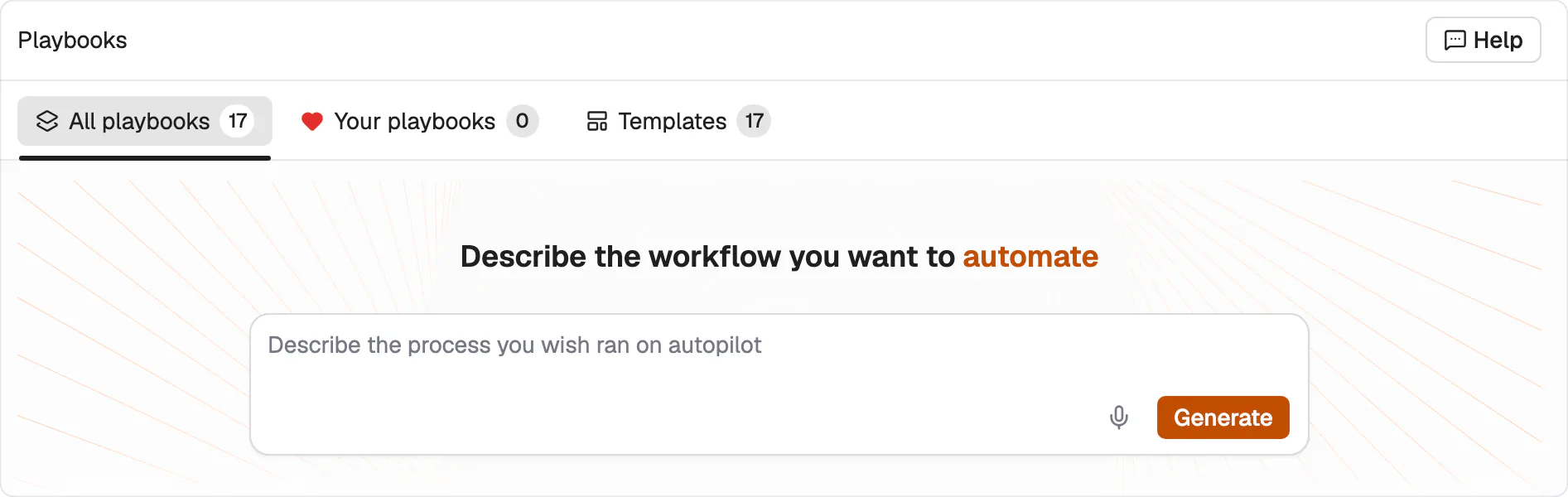
One box. The playbook is generated from your description.
Use a page URL as the input. Audit the page for SEO and GEO, then return prioritized recommendations, a title tag, and a meta description.If your team already has the SOP written down, paste it in. Keep its inputs, sequence, decision points and output requirements intact. That’s the shortest path to a playbook that matches how you actually work.
The editor shows the workflow as a graph
What comes back is a Draft, and it opens in the editor.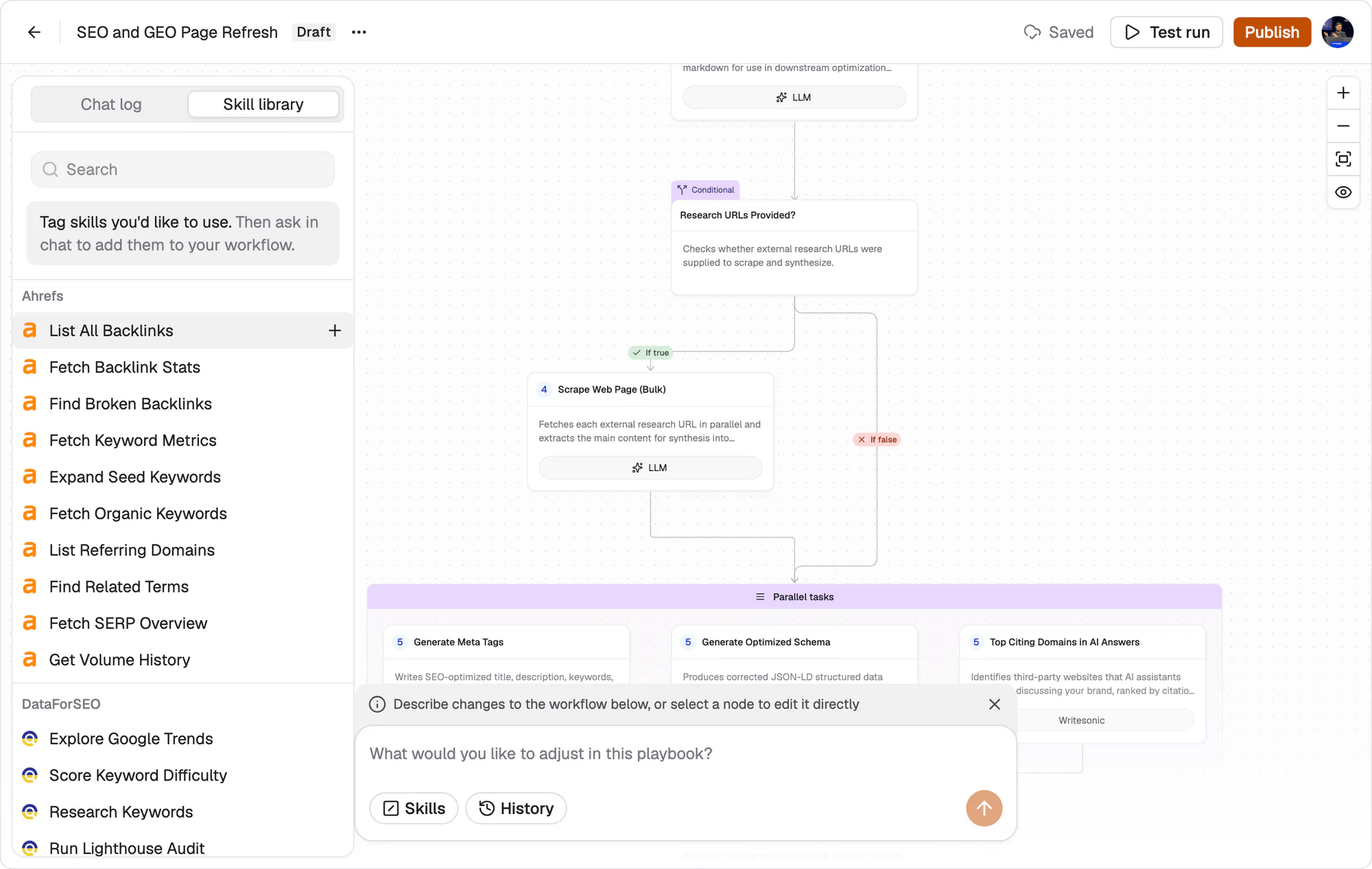
The editor. Steps run top to bottom on the canvas, and the Skill library lists what you can add, grouped by the integration it comes from.
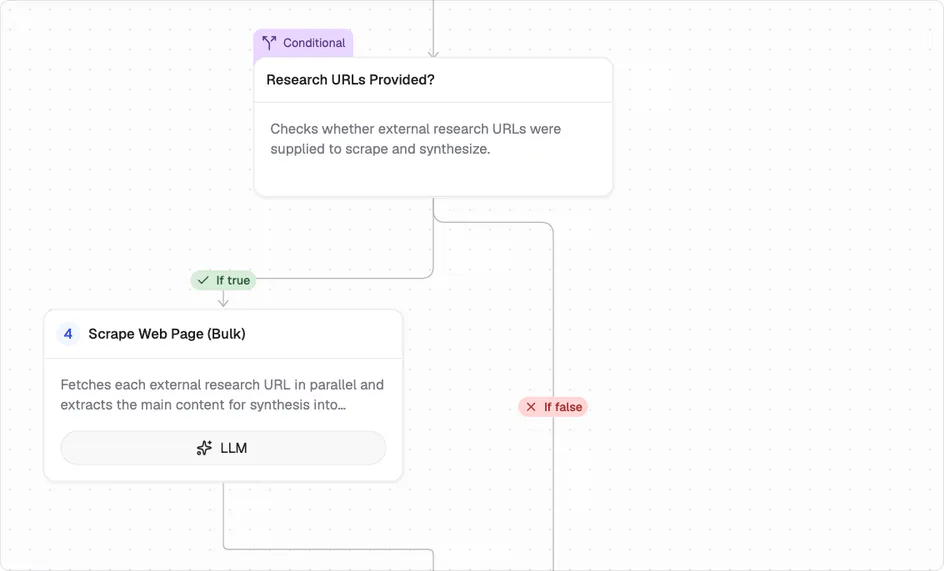
A conditional and its true branch. Each step names what it does and the tool it runs on.
Setup required means it won’t run yet
A generated playbook often has steps that still need configuring. Those carry a Setup required badge, and the count in the top bar tells you how many are outstanding. A playbook can look complete on the canvas and still not be runnable. Clear the warnings before you test.Edit by describing the change, or by opening the step
Two ways to change a workflow, and they work on the same graph. Describe what you want different in the box at the bottom, the same way you described the workflow in the first place. Or select a node and edit it directly. Use the first for structural changes and the second when one step is nearly right.Test run before you publish
Test run executes the playbook on one input while it’s still a Draft. Read what comes back and compare it against the procedure you meant to write. Once the output holds up, Publish. The playbook becomes available to run for real, on its own or across a grid. Testing first is the whole point of the Draft state. A generated structure that looks right on the canvas can still produce the wrong deliverable, and one test costs a minute.What’s next
Grids
Run it across many rows.
Playbook library
Start from a template instead.