

Day one has two setup steps and one real task
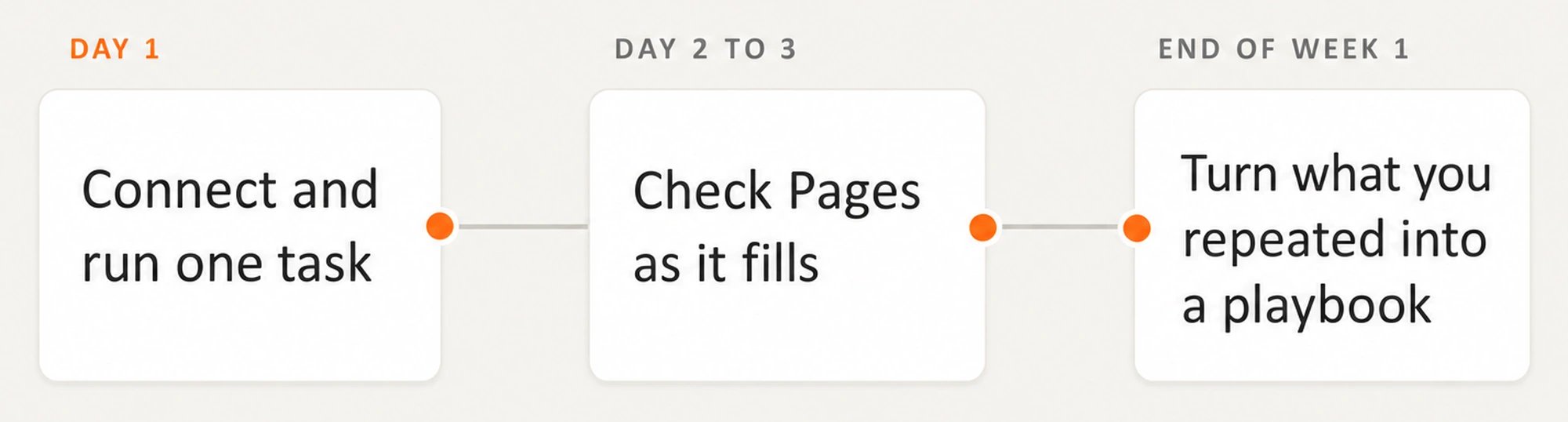
Setup is two steps. Everything after that is work.
Days two and three are for review and repetition
Review the first deliverable on day two. Nothing publishes automatically, so the work reaches your CMS as a draft for a person to review. Add factual corrections and direction in the comments. Then run two or three more tasks, using Writing good tasks to make each request clearer. Check Pages again on day three as its data fills in.Repetition becomes a playbook by Friday
Whatever you asked for more than once is a playbook. Playbooks come last because they depend on having a task worth repeating. Use the task you already repeated as the basis for your first one. One proven loop is enough for Friday.Week one shows what shipped, not what worked
By Friday, you’ll know whether the agents produced useful work and whether a person reviewed it. You’ll also know which CMS drafts were approved and shipped. That is an operating result, not a performance result. Whether the change moved rankings or citations is a 14 to 28 day question.What’s next
Common tasks
Choose what to run on day one.
What to expect
See what’s thin at first, and why.