

Prerequisites
- An active Writesonic account
- Admin access to your Vercel account
Start in Writesonic
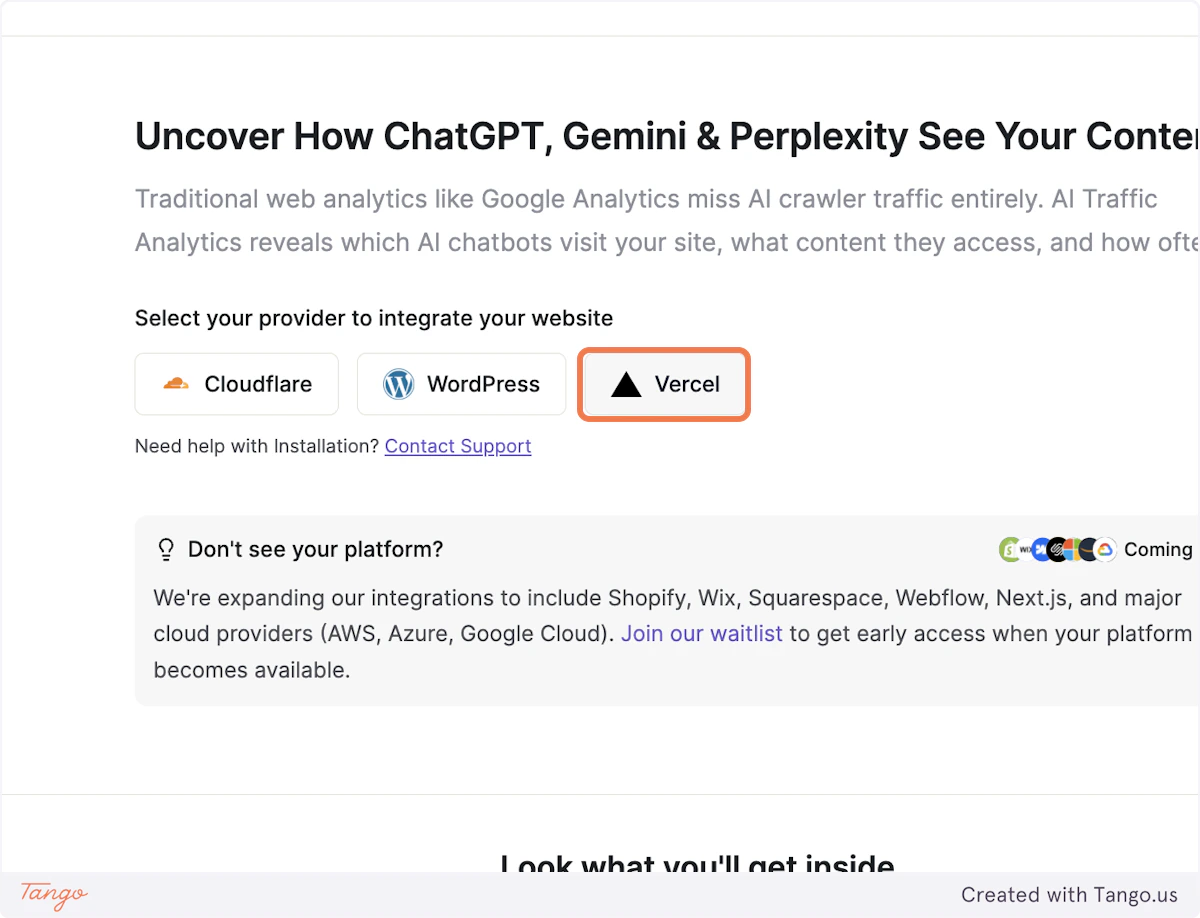
1. Head over to the AI Traffic Analytics page on Writesonic and click on Vercel
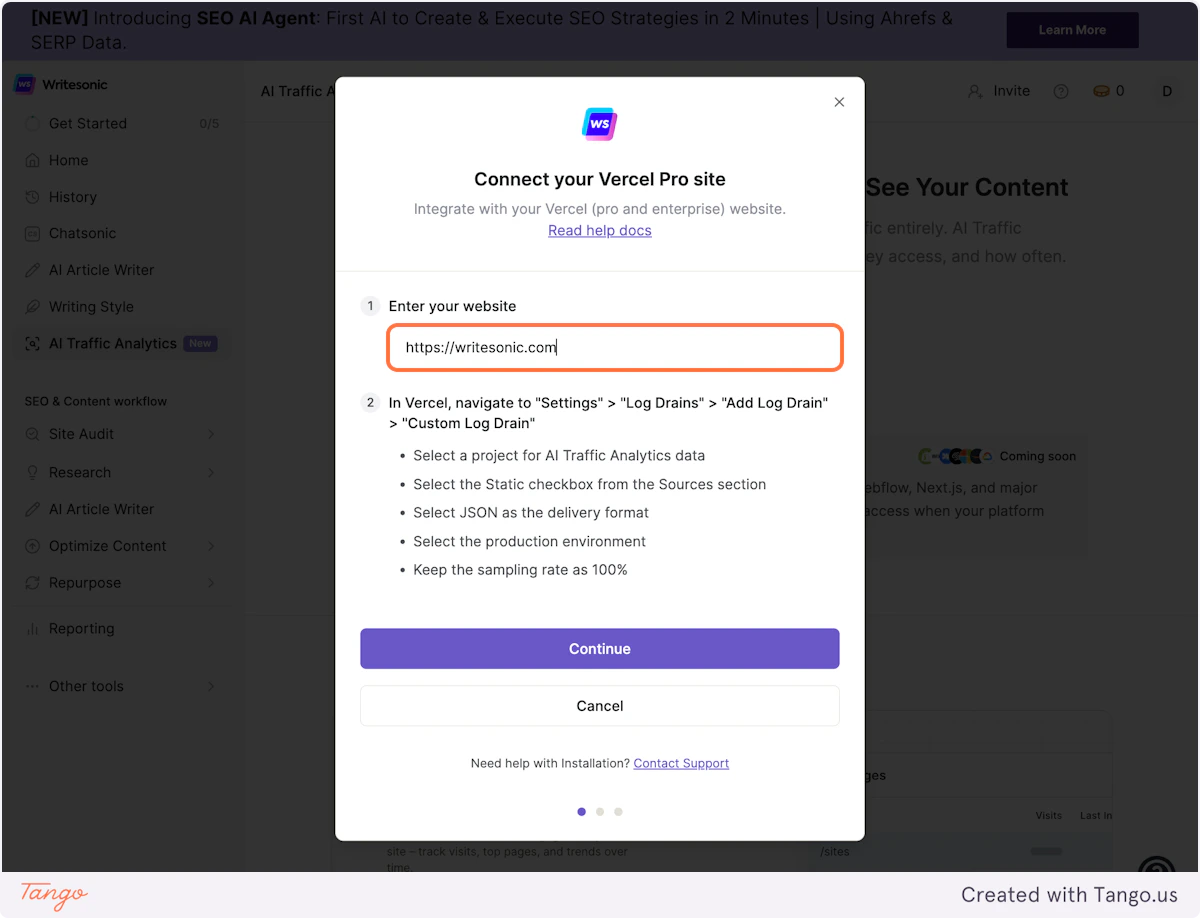
2. Enter your url in the input box
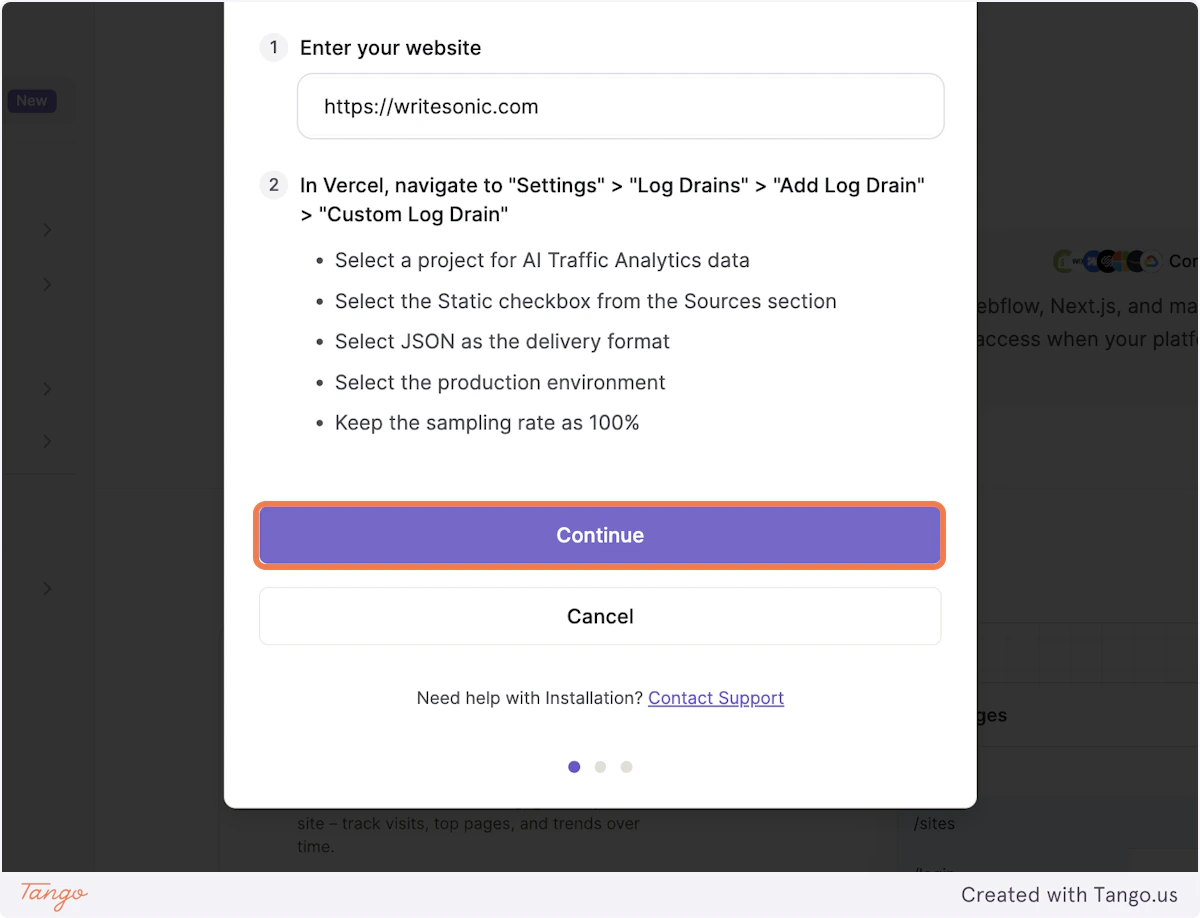
3. Click on Continue
Head over to Project Settings in Vercel
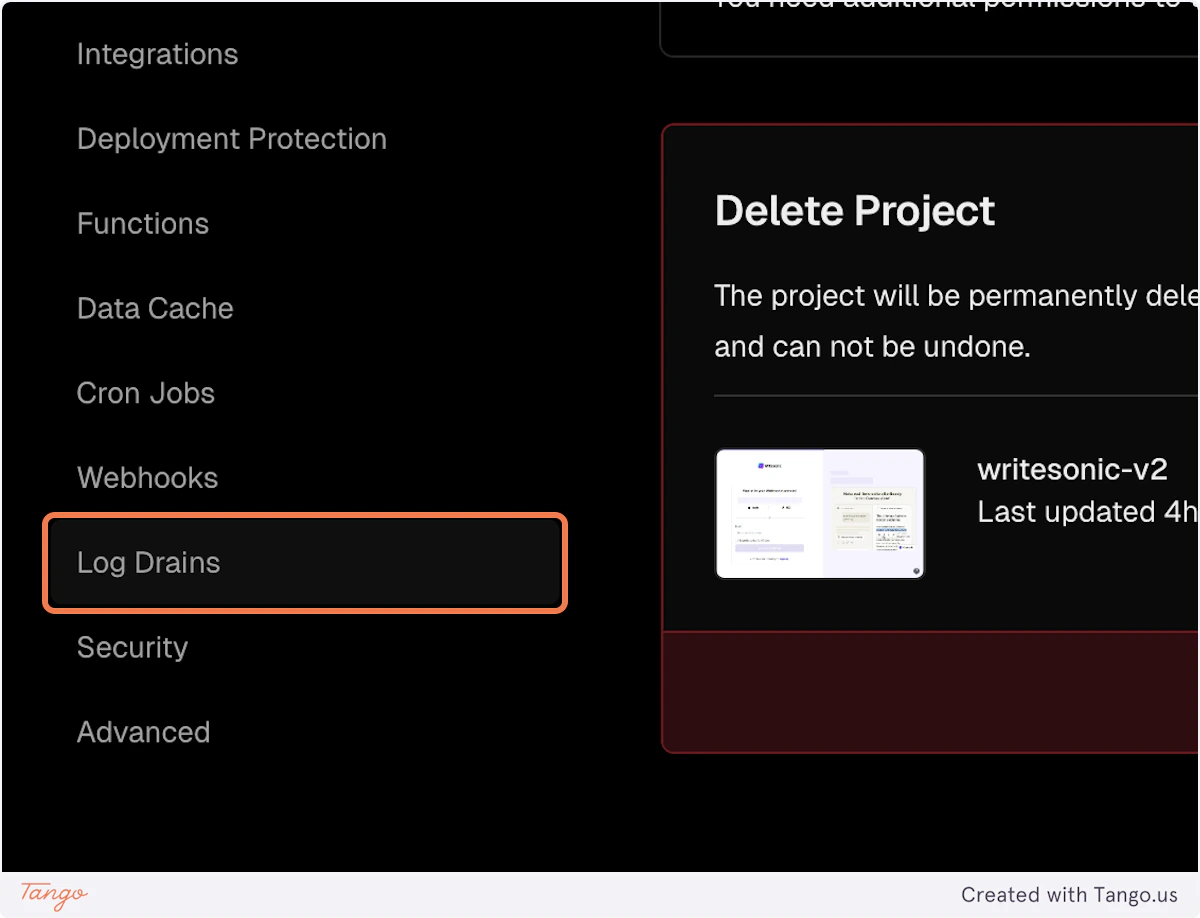
Head over to Project Settings in Vercel4. Click on Log Drains in Project Settings
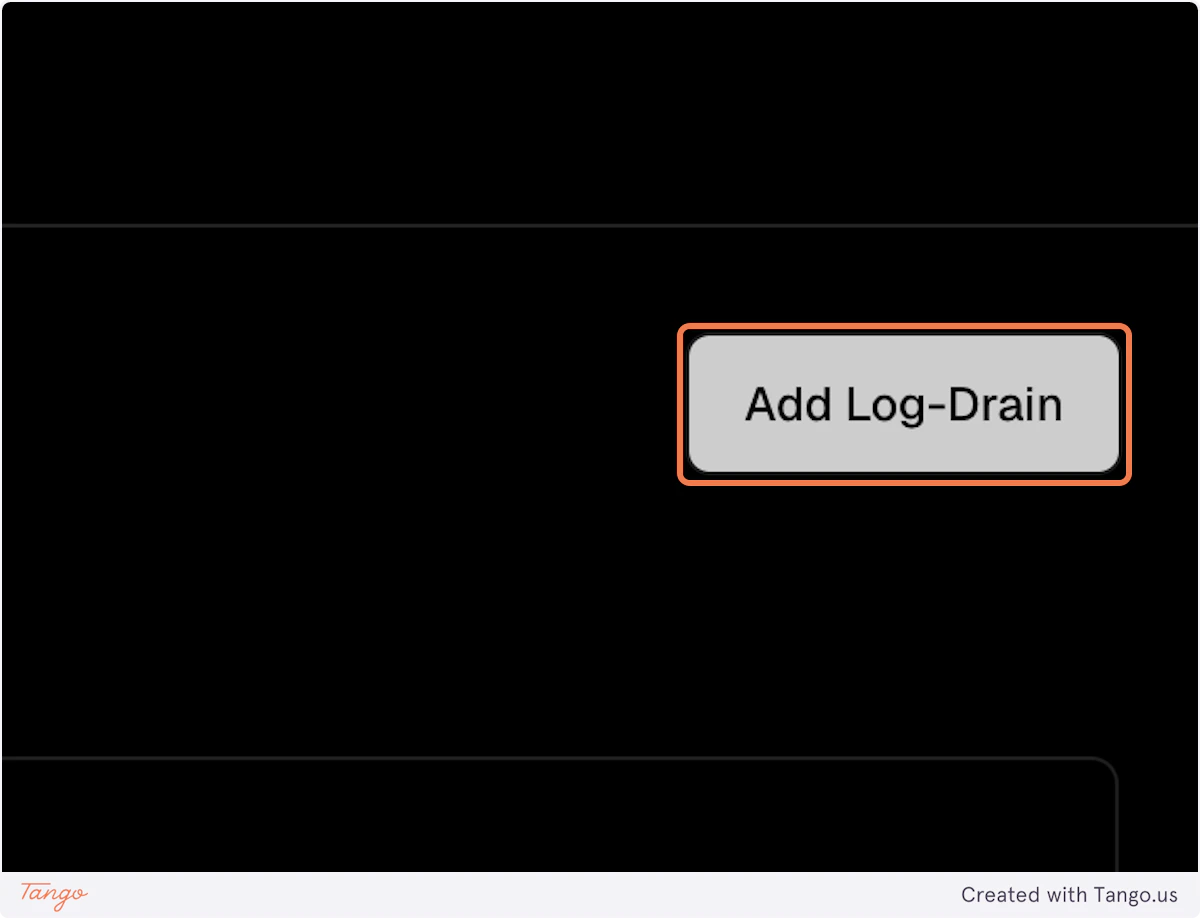
5. Click on Add Log-Drain
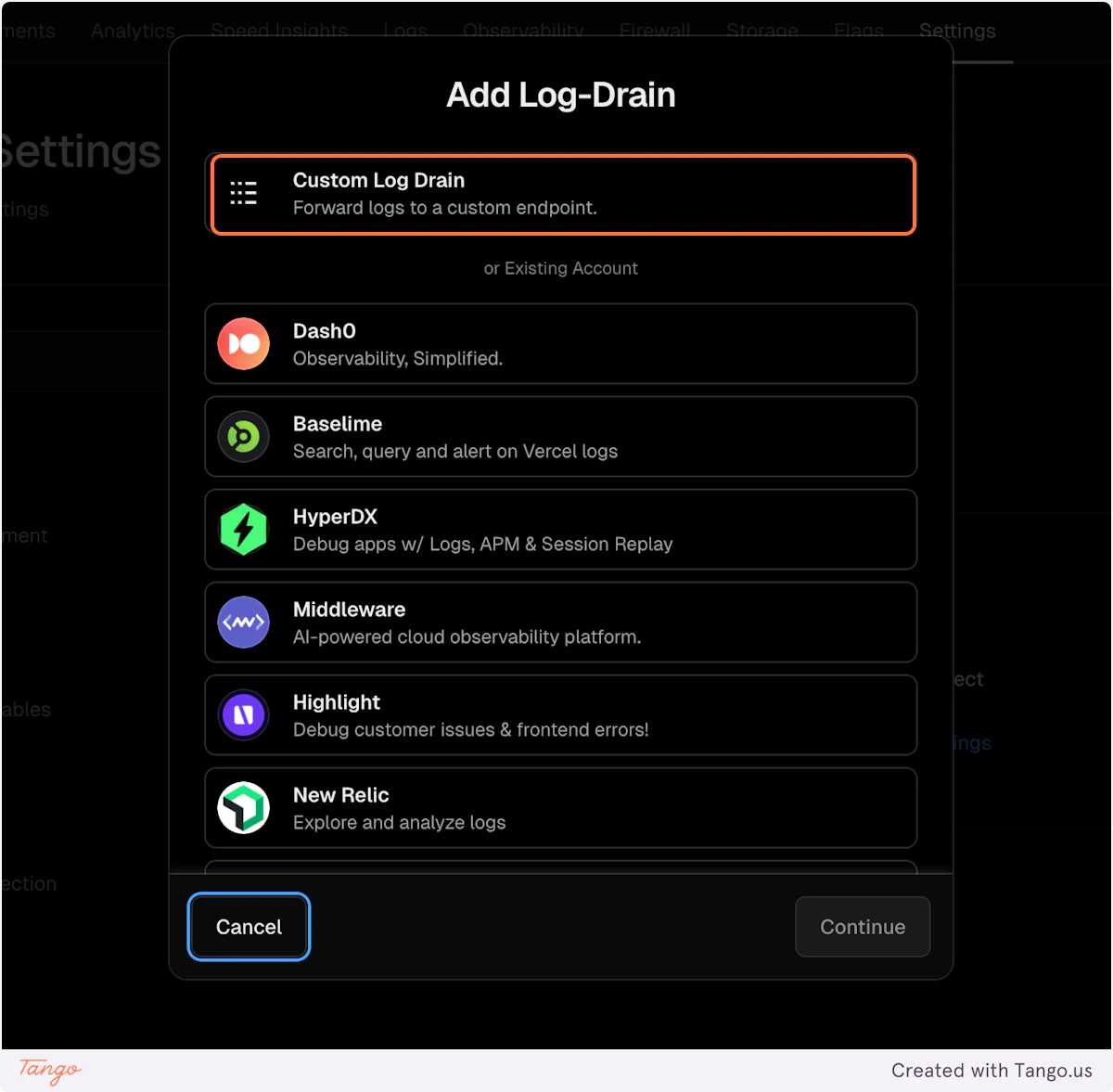
6. Select “Custom Log Drain
7. Click on Continue
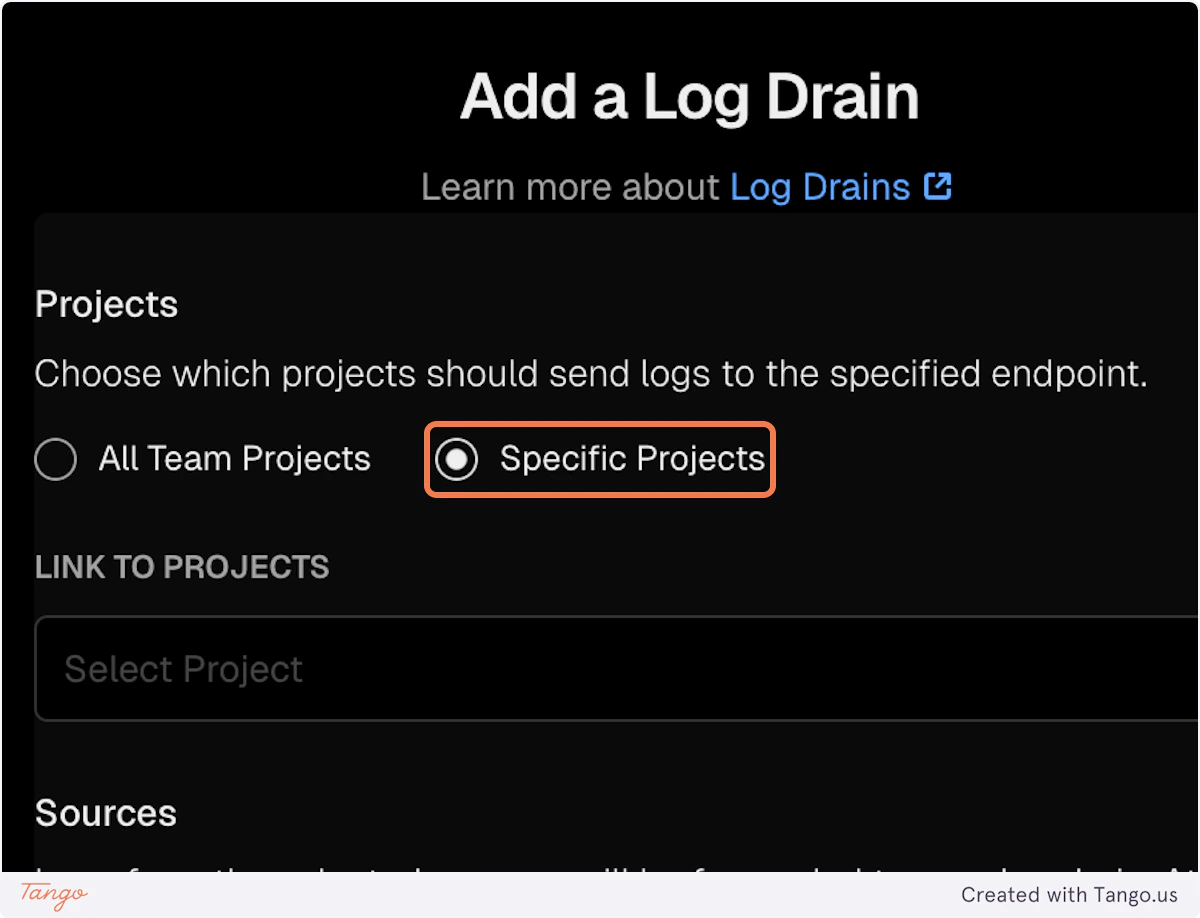
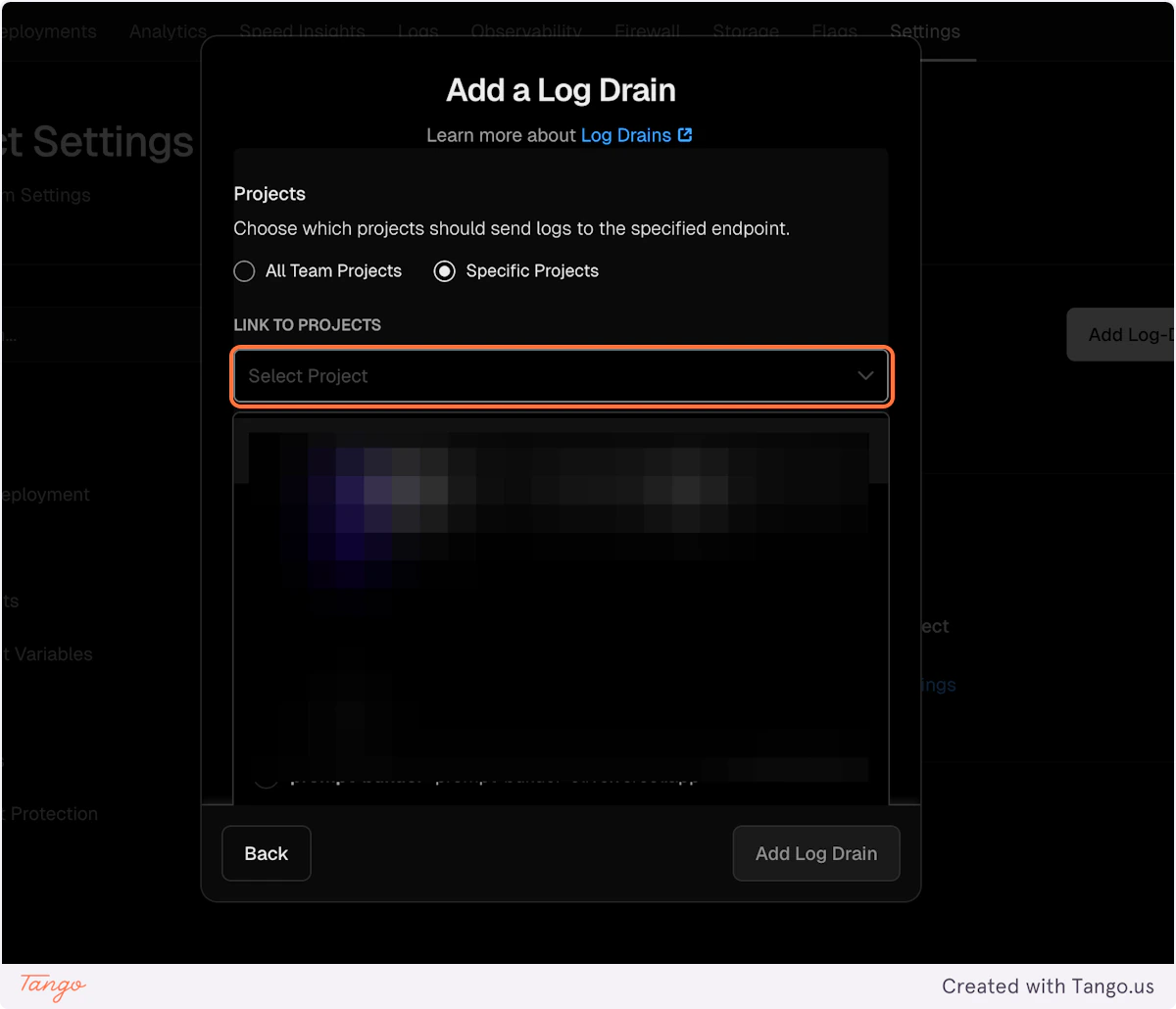
8. Select Specific Projects
9. Select the project for which you want to turn on the AI Analytics
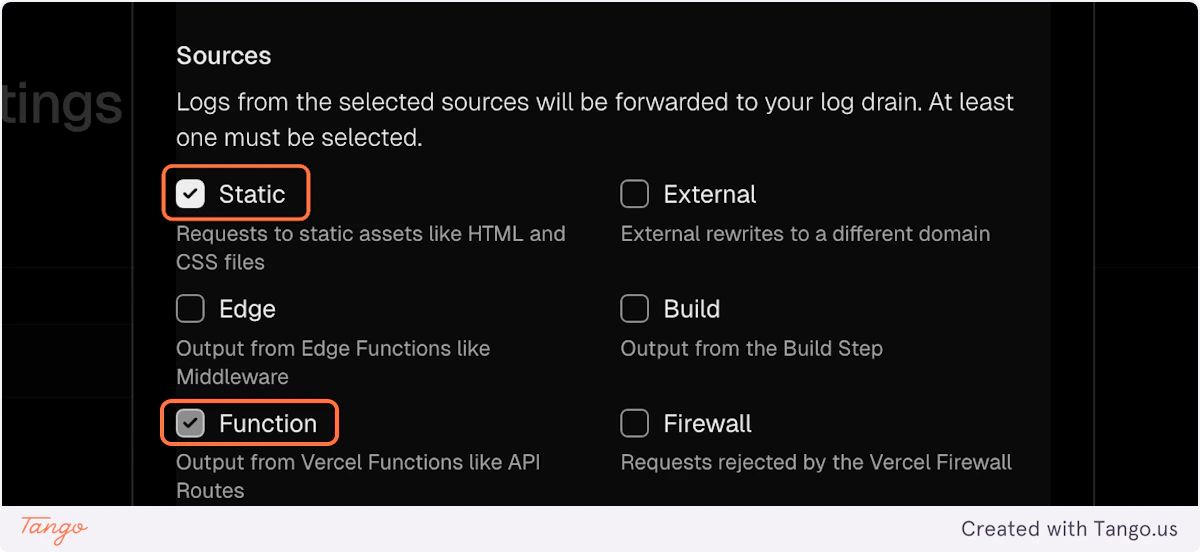
10. Select “Static” and “Function” as Sources
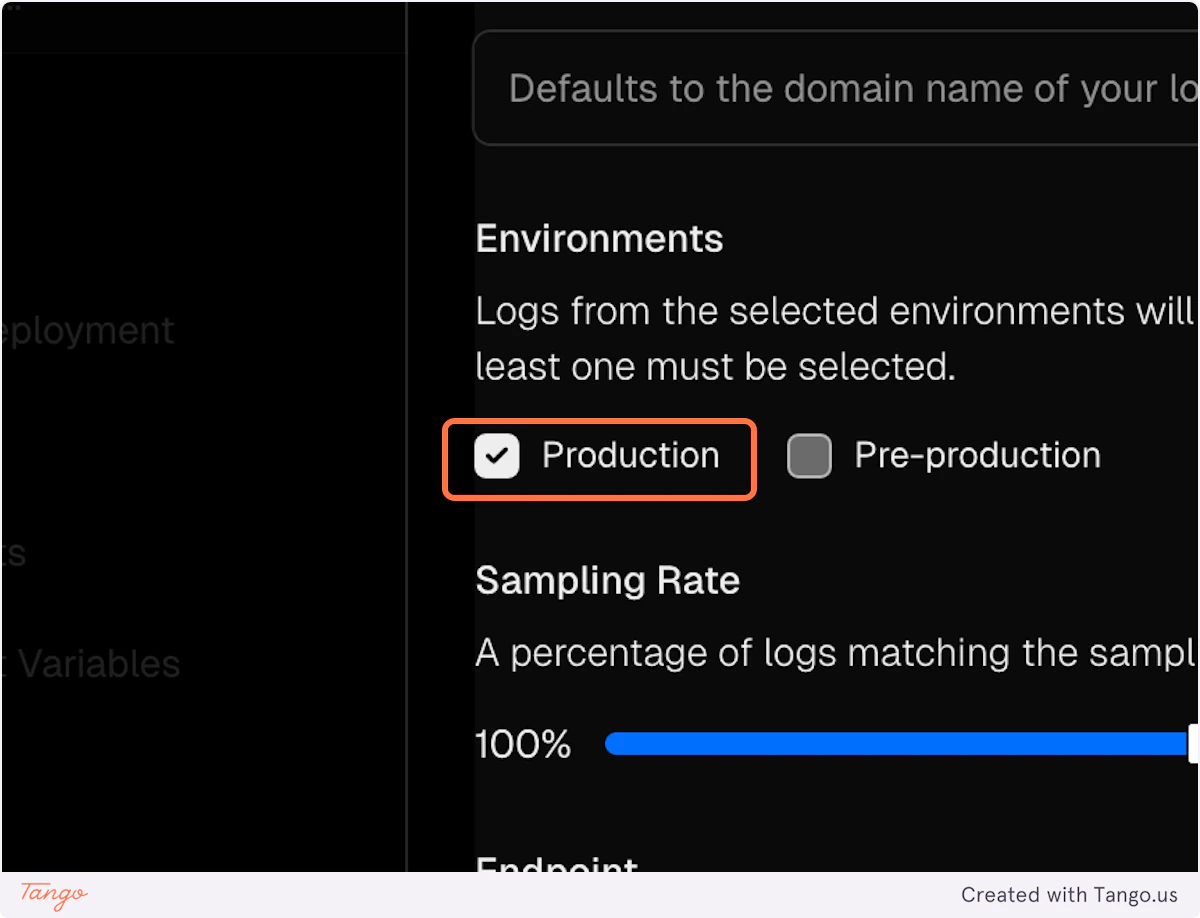
11. Select Production as environment
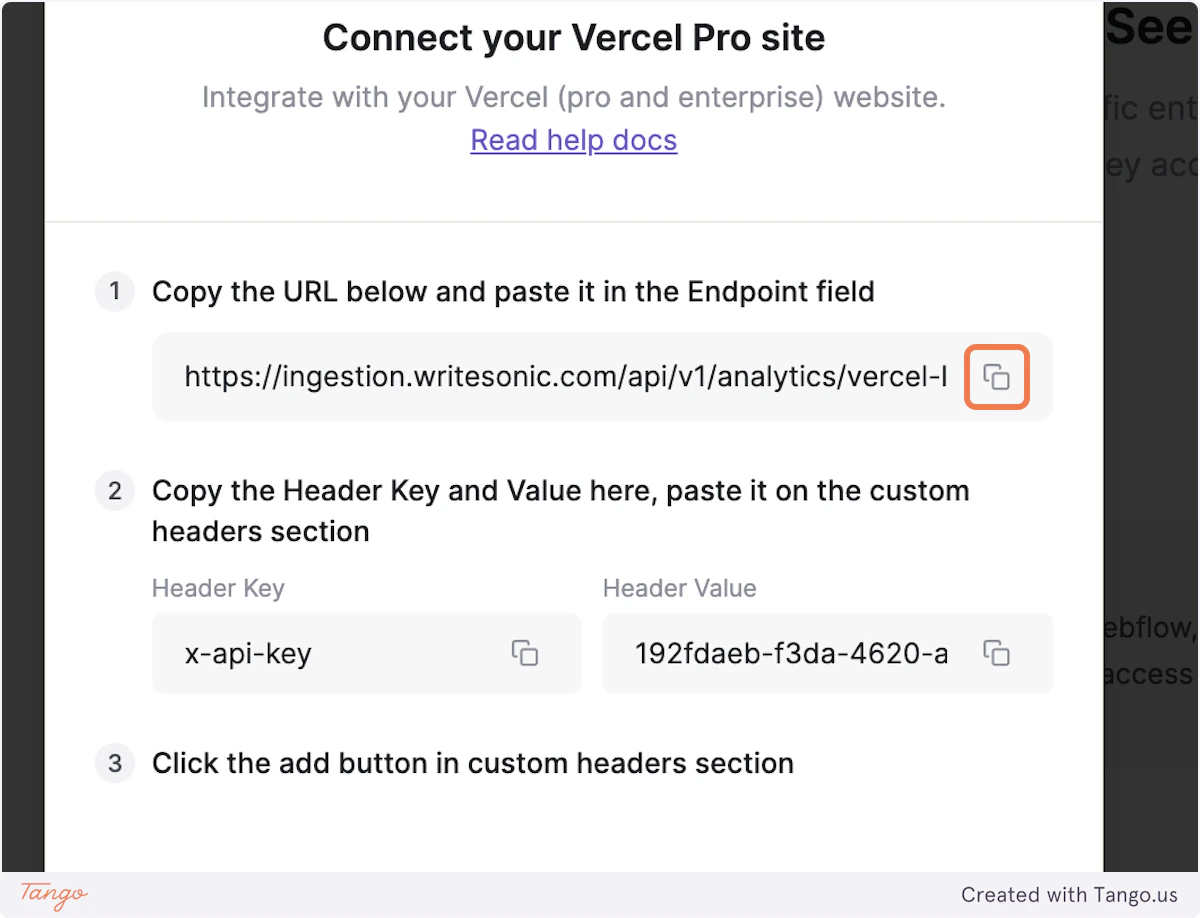
Writesonic
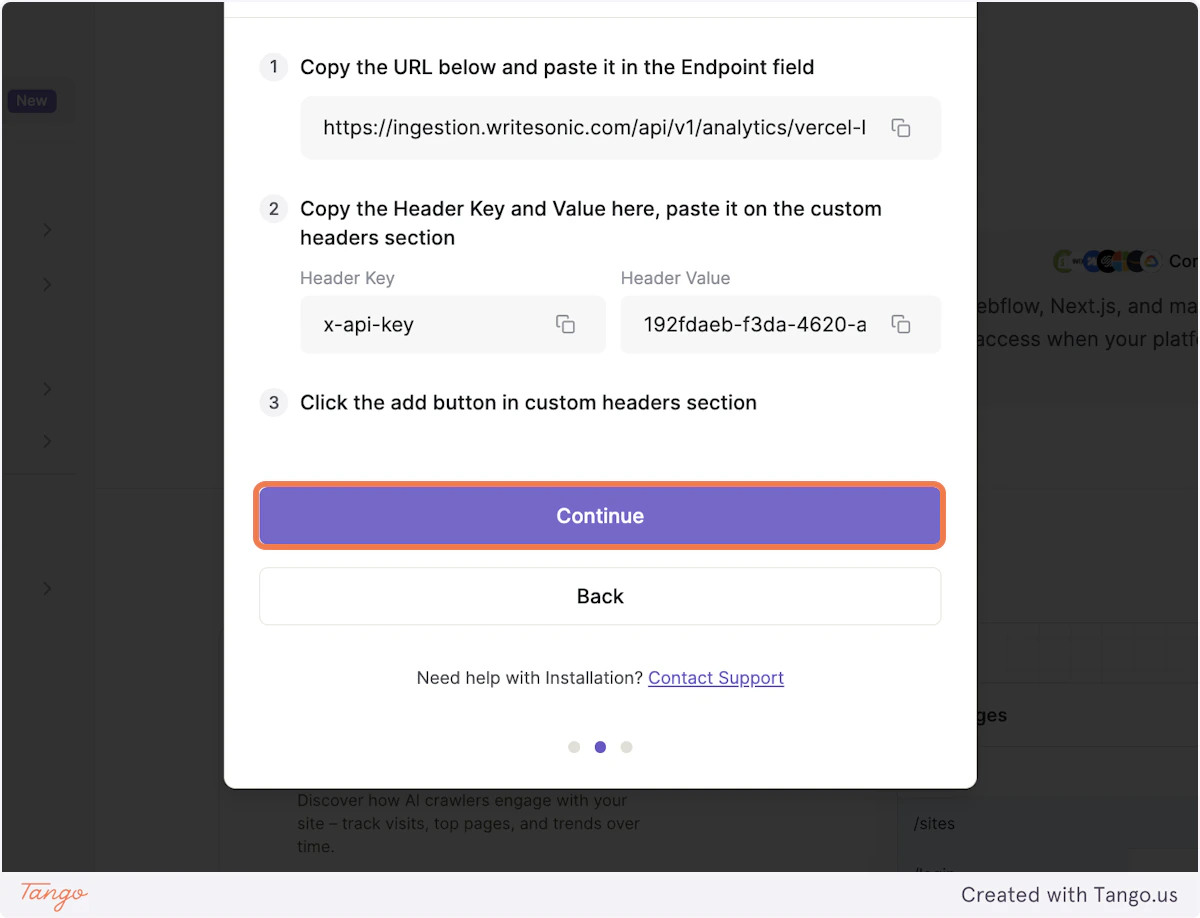
12. Copy the Endpoint URL from Writesonic
Vercel
13. Paste the copied endpoint url in input box
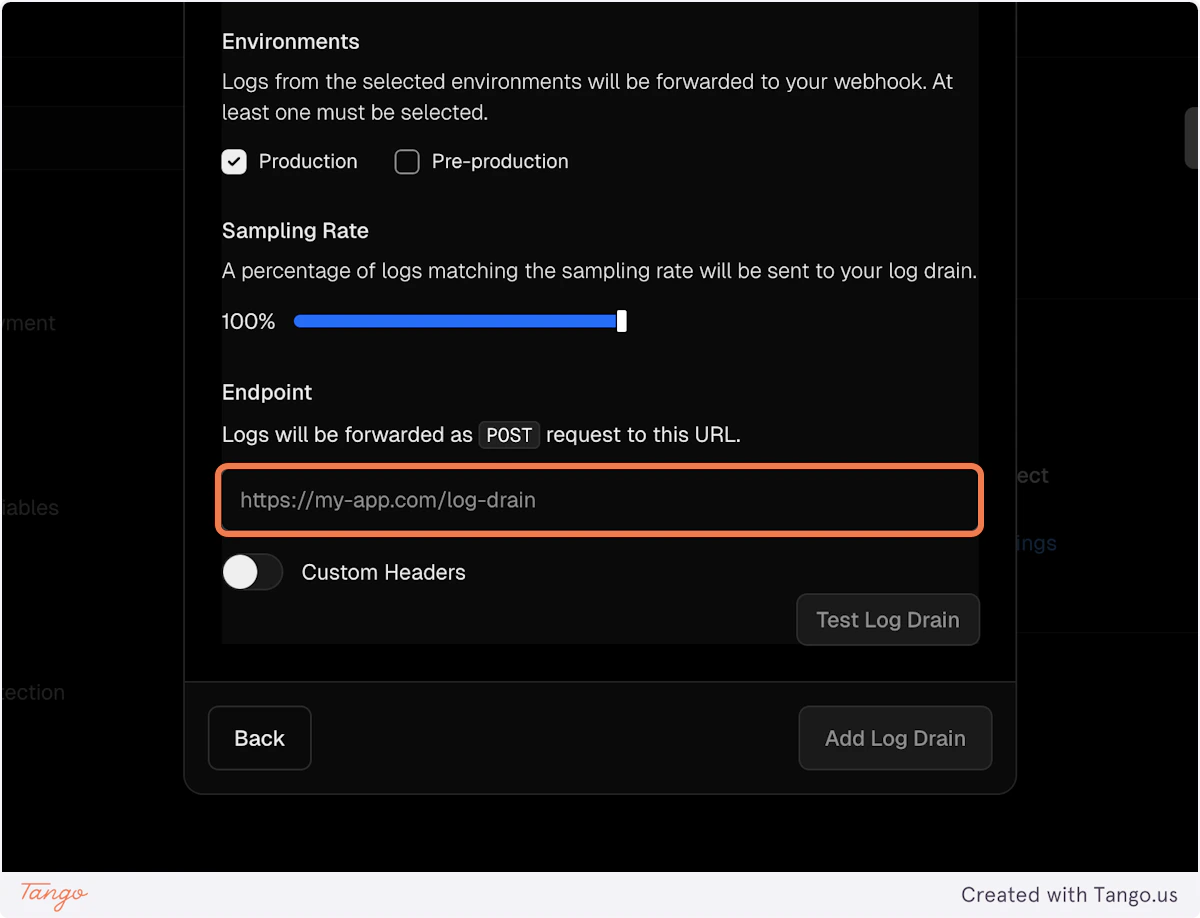
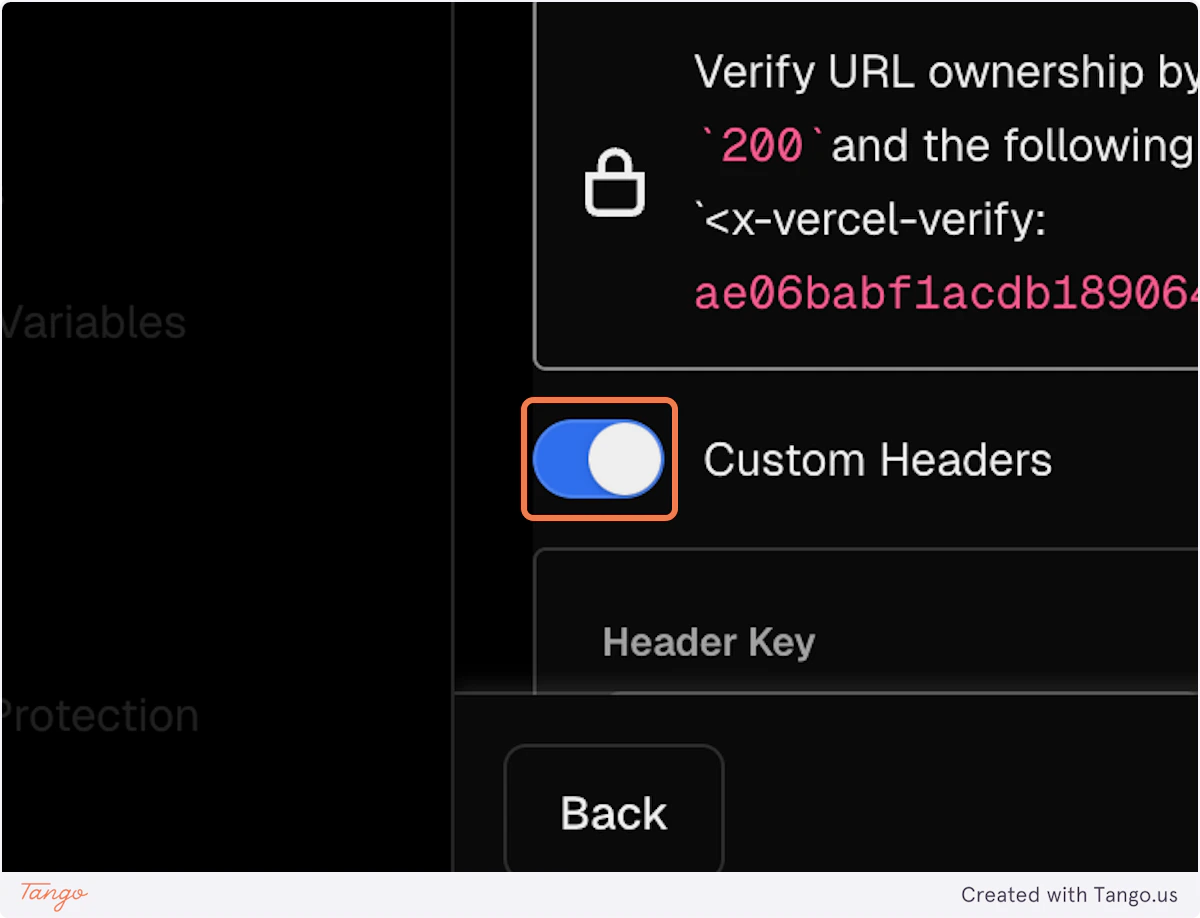
14. Turn on the Custom Headers
Writesonic
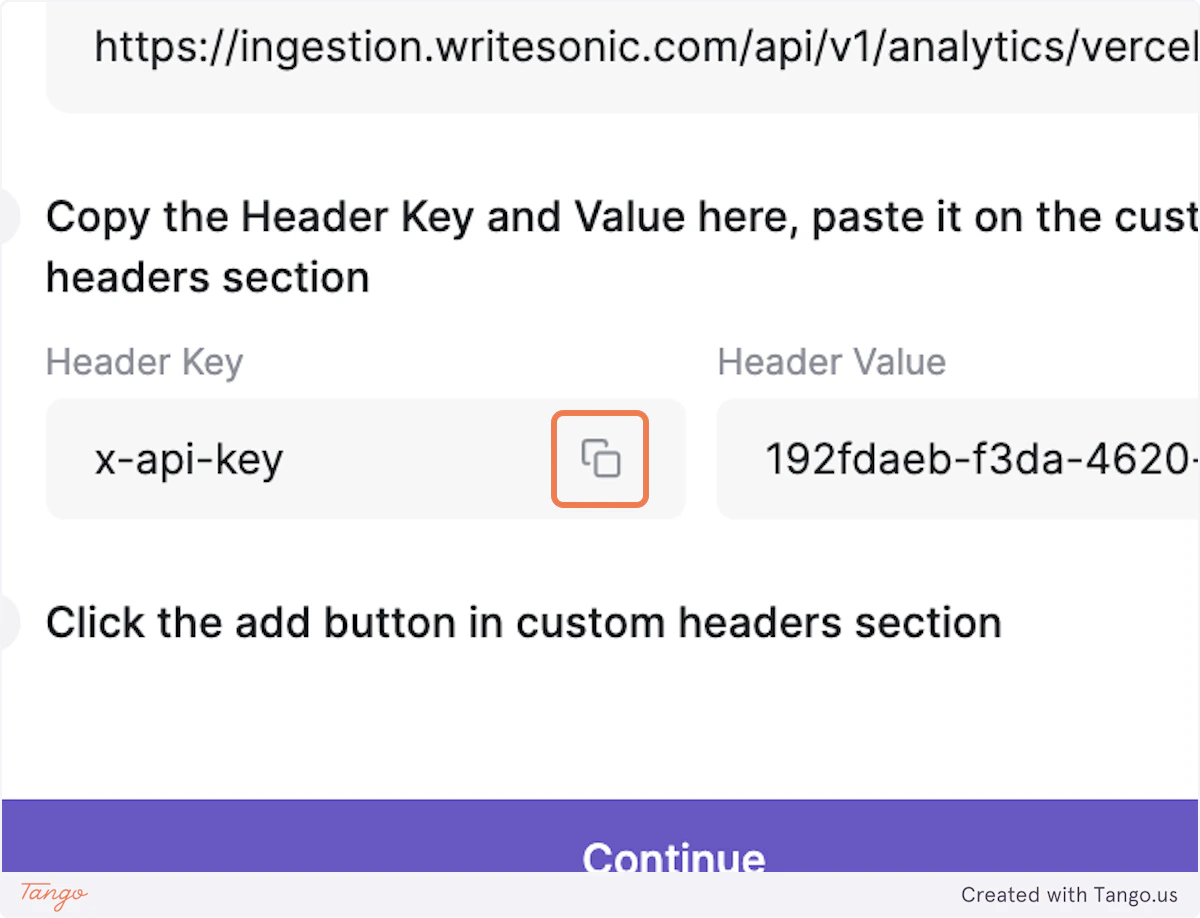
15. Copy the Header Key from Writesonic
Vercel
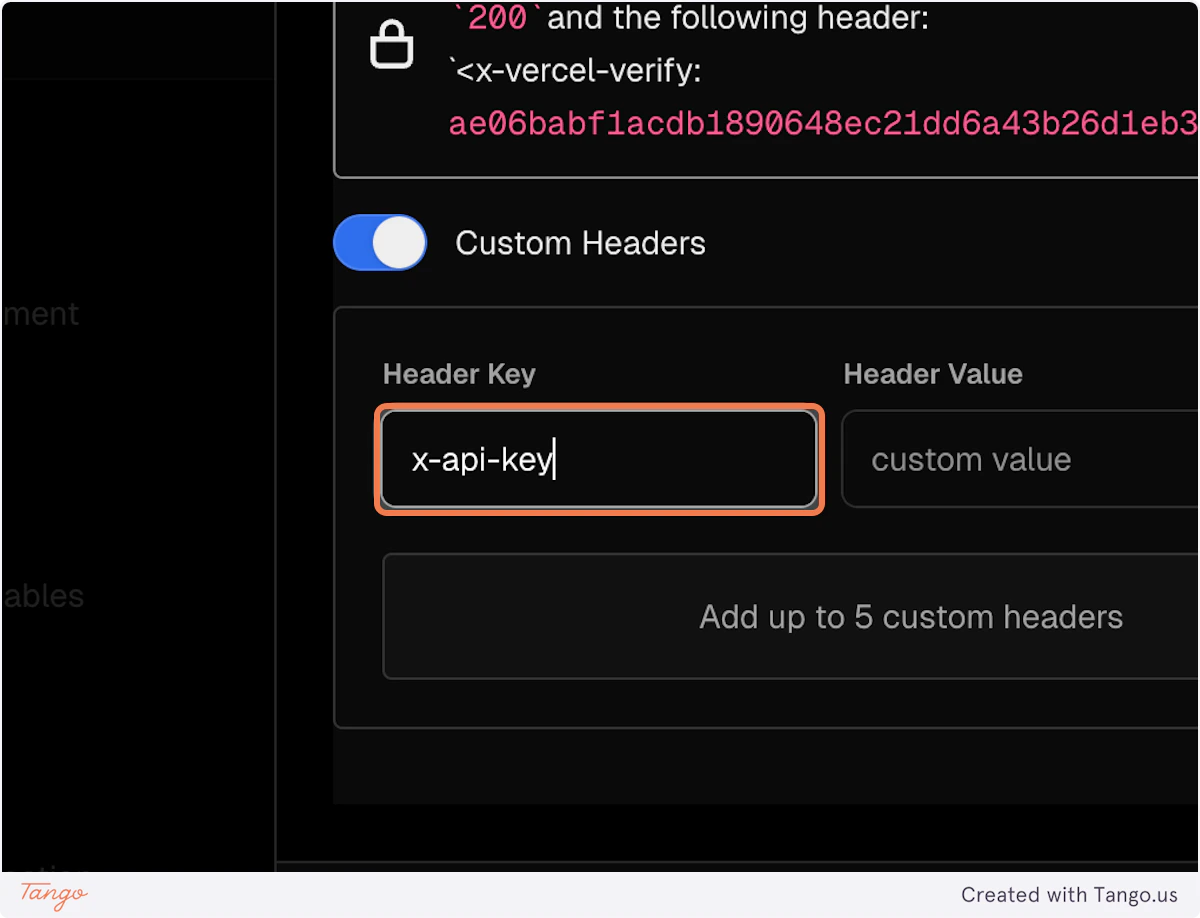
16. Paste the copied Header Key in Vercel
Writesonic
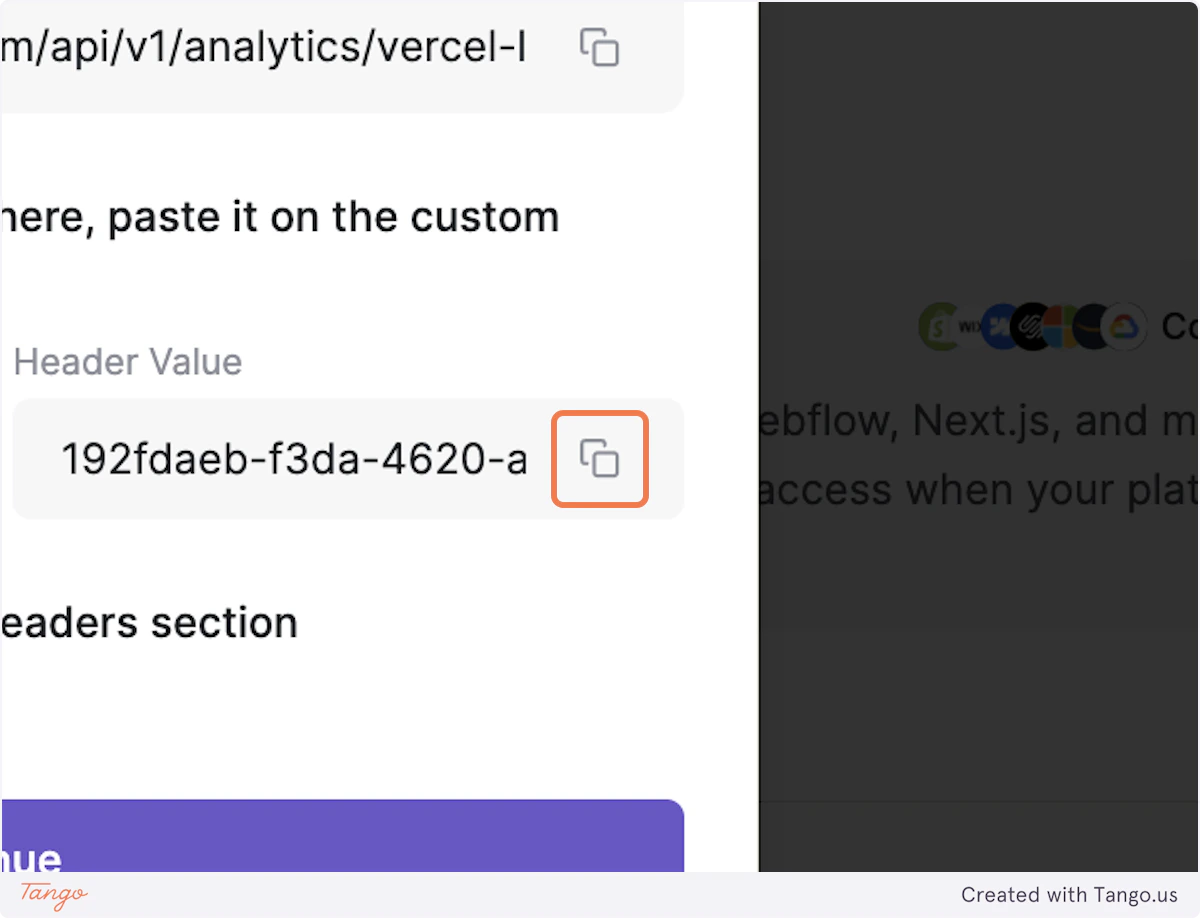
17. Copy the Header Value from Writesonic
Vercel
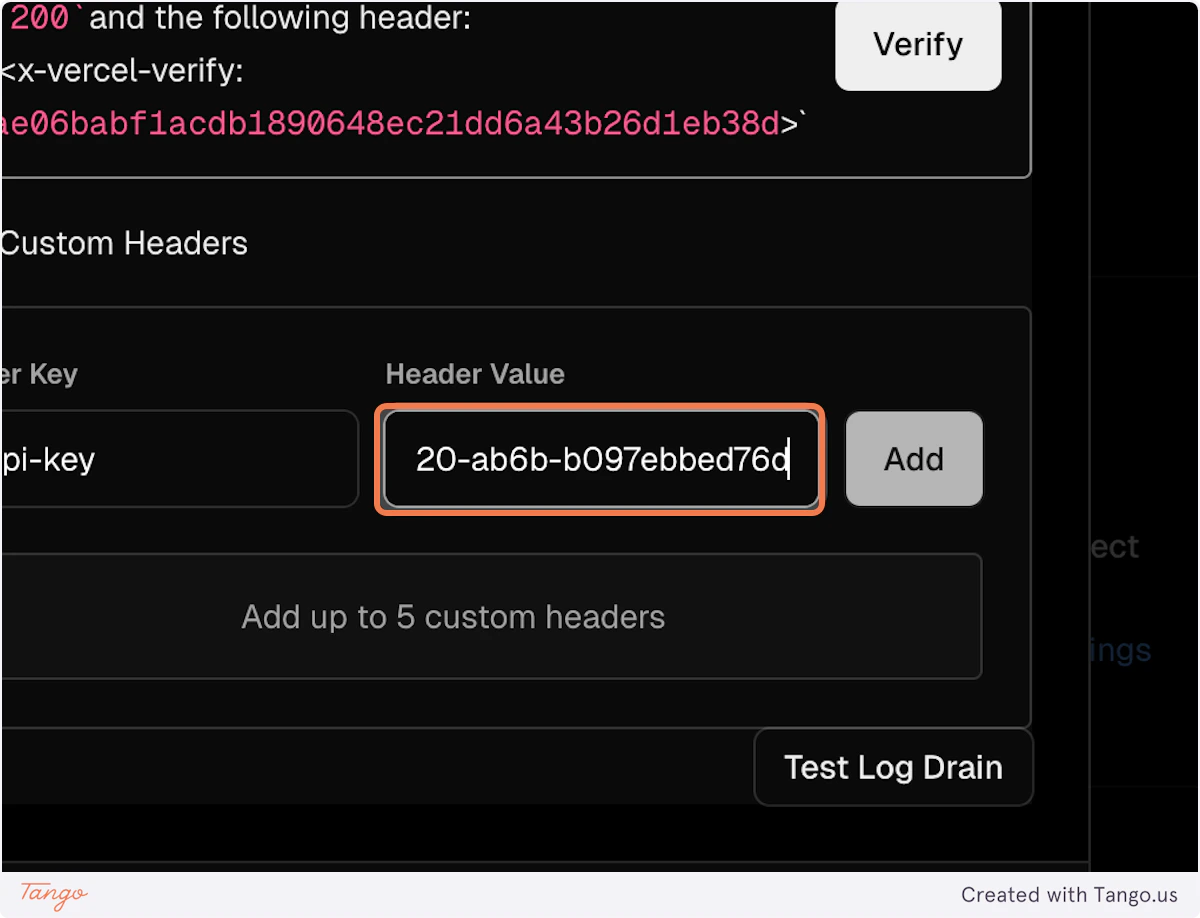
18. Paste the copied Header Value in Vercel
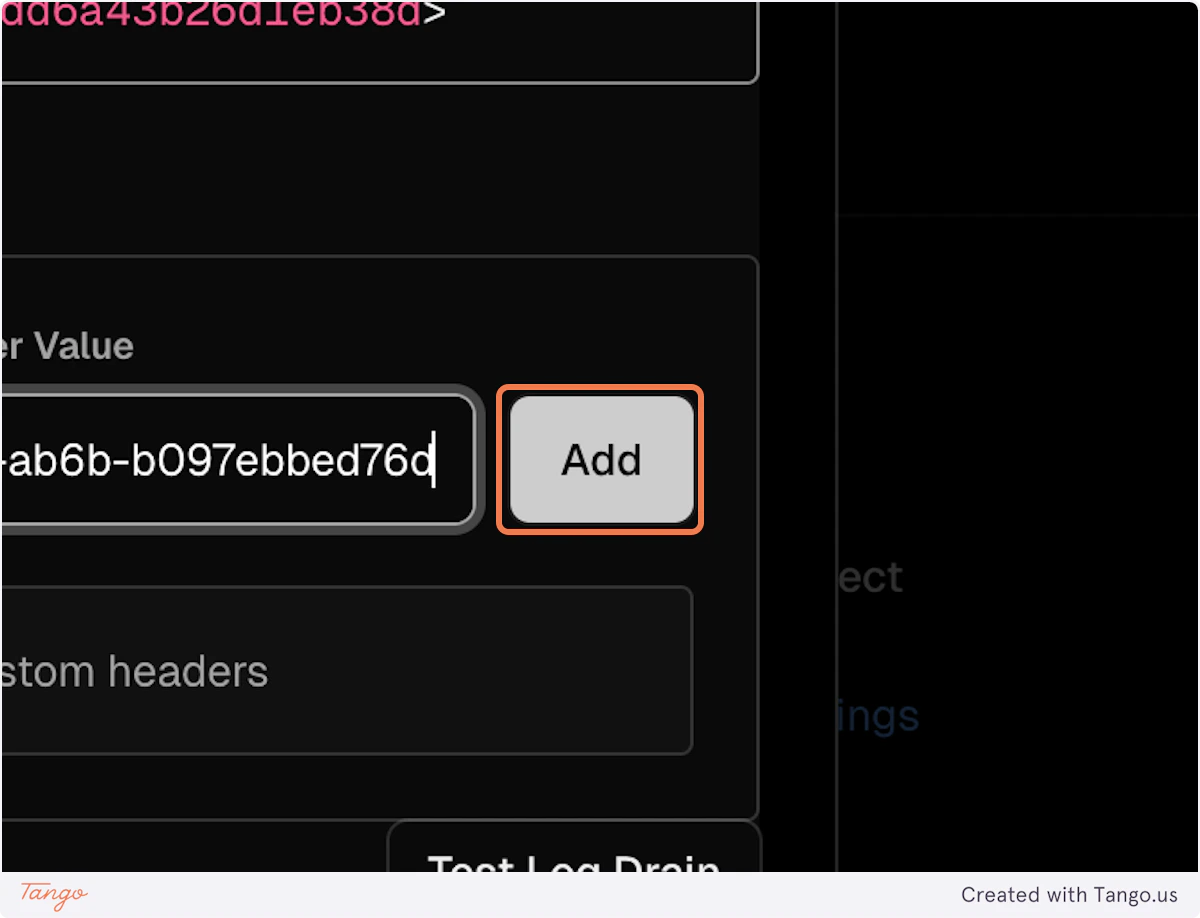
19. Click on Add
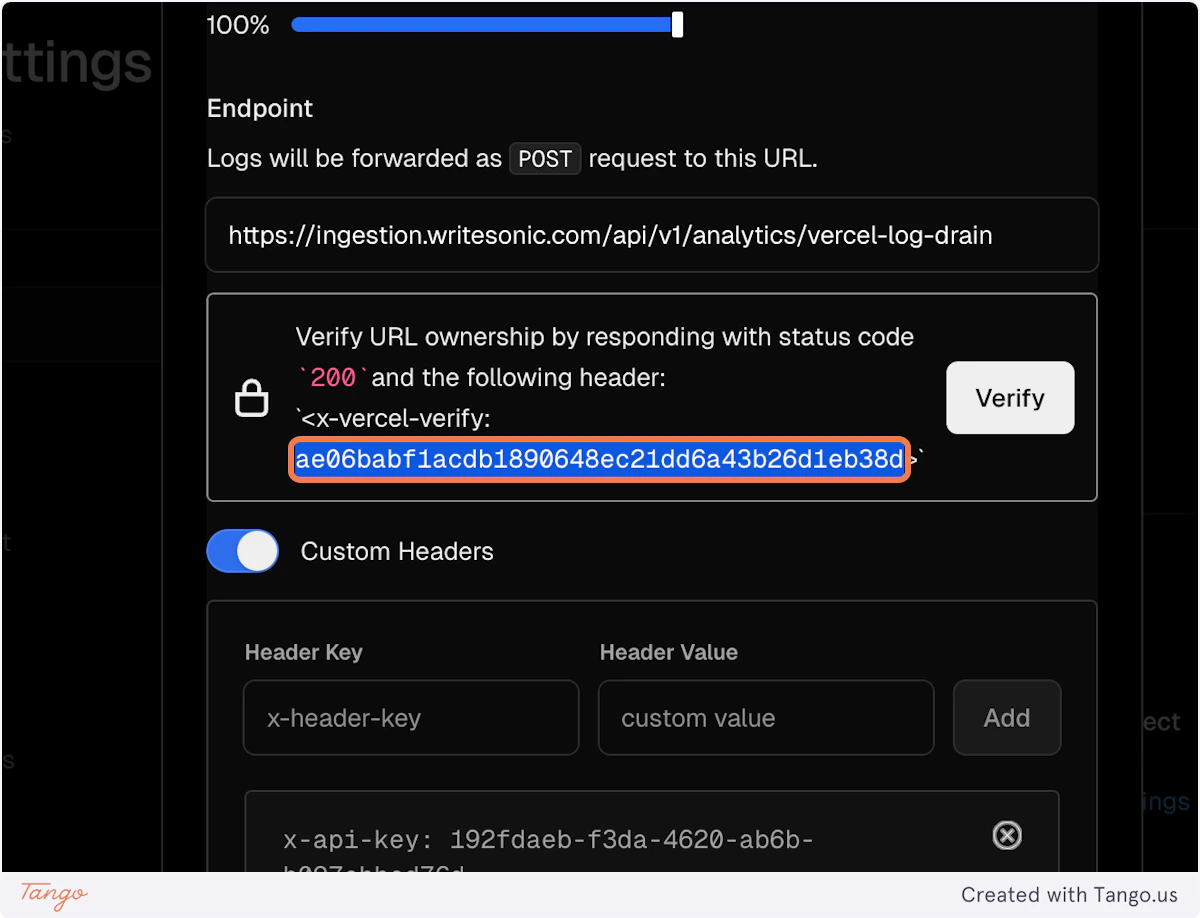
20. Copy the Vercel x-vercel-verify header
Writesonic
21. Click on Continue
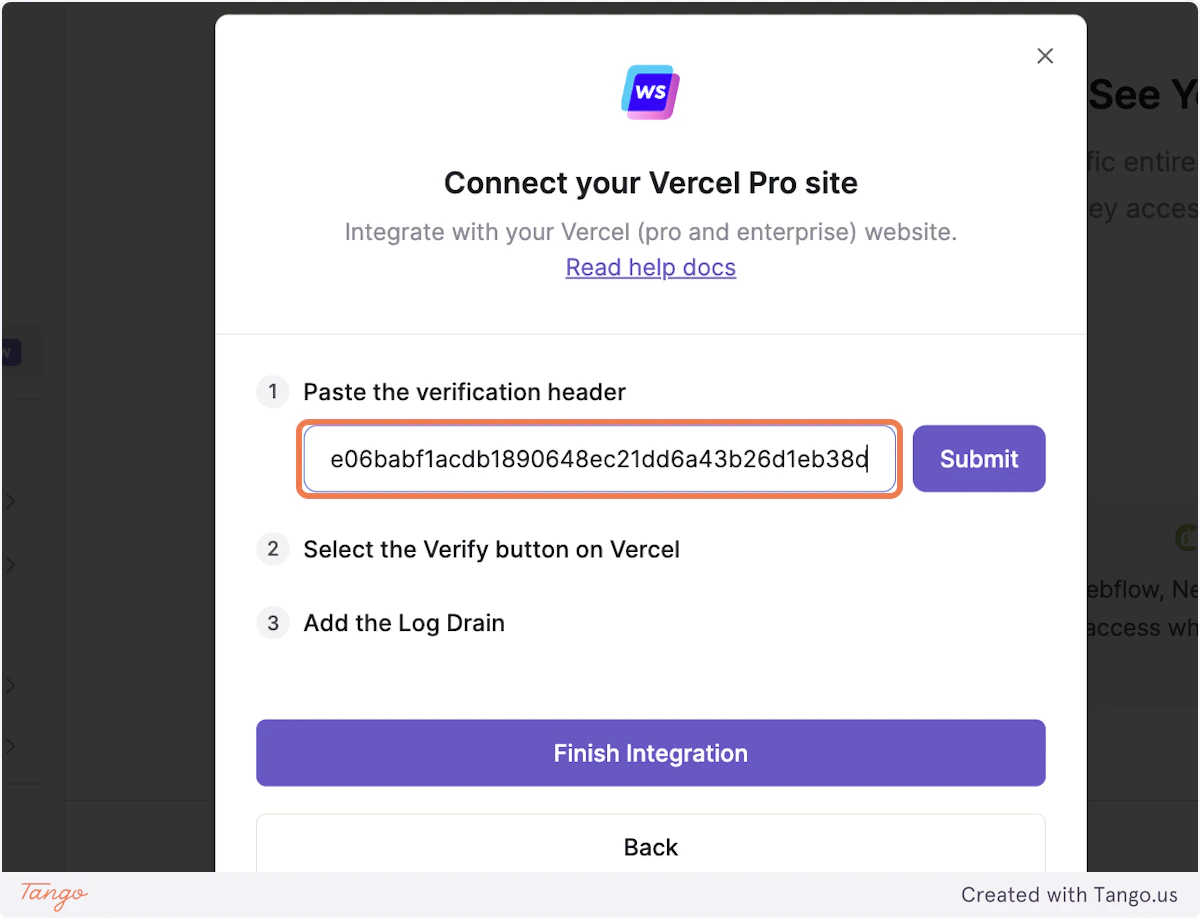
22. Paste the copied Vercel x-vercel-verify header in the input box
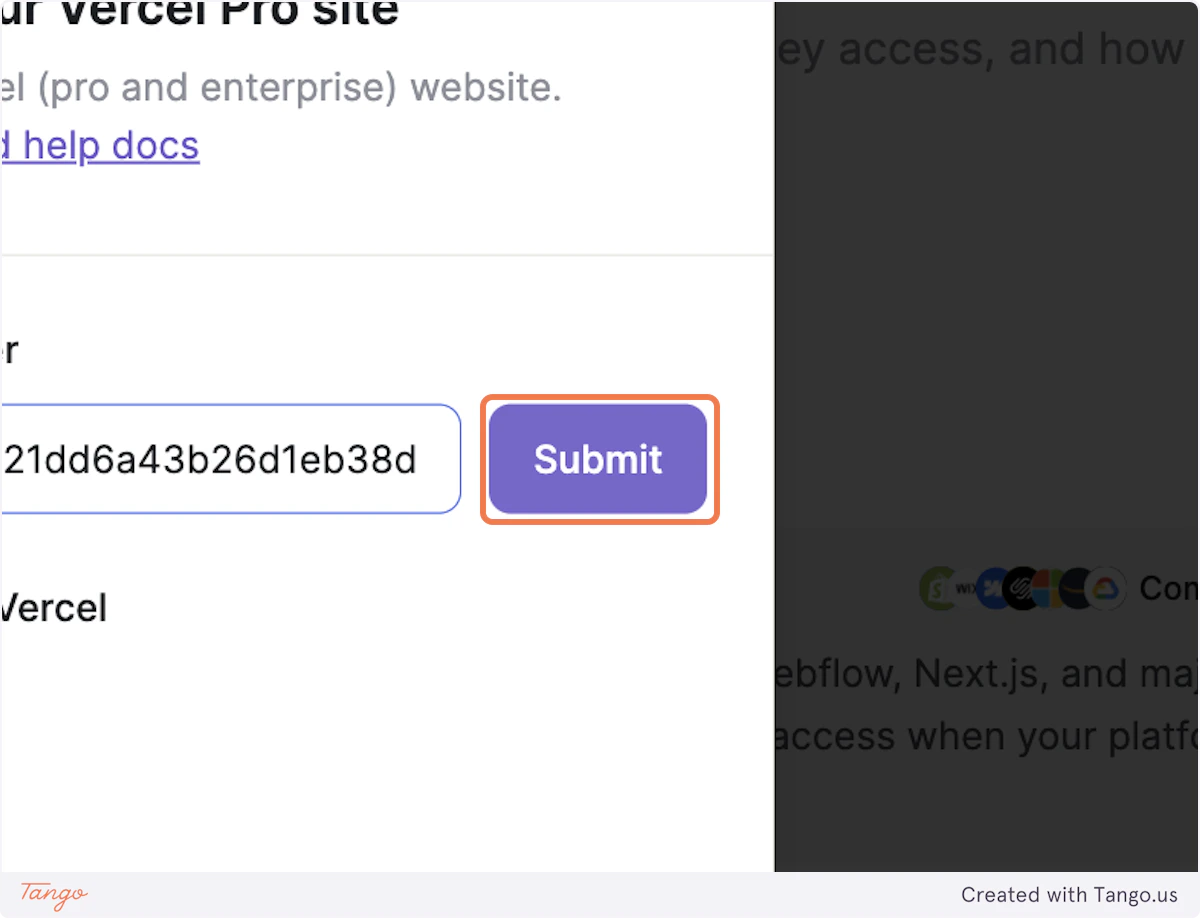
23. Click on Submit
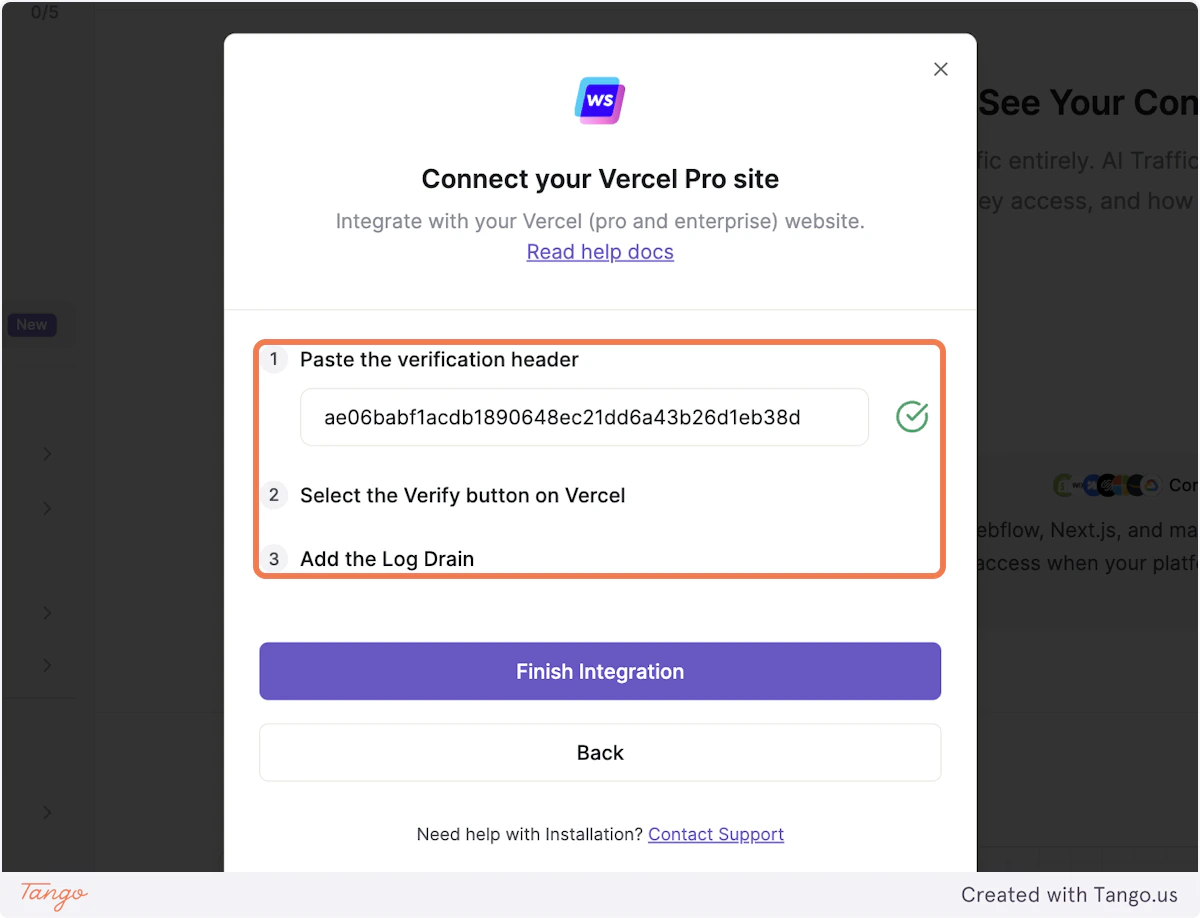
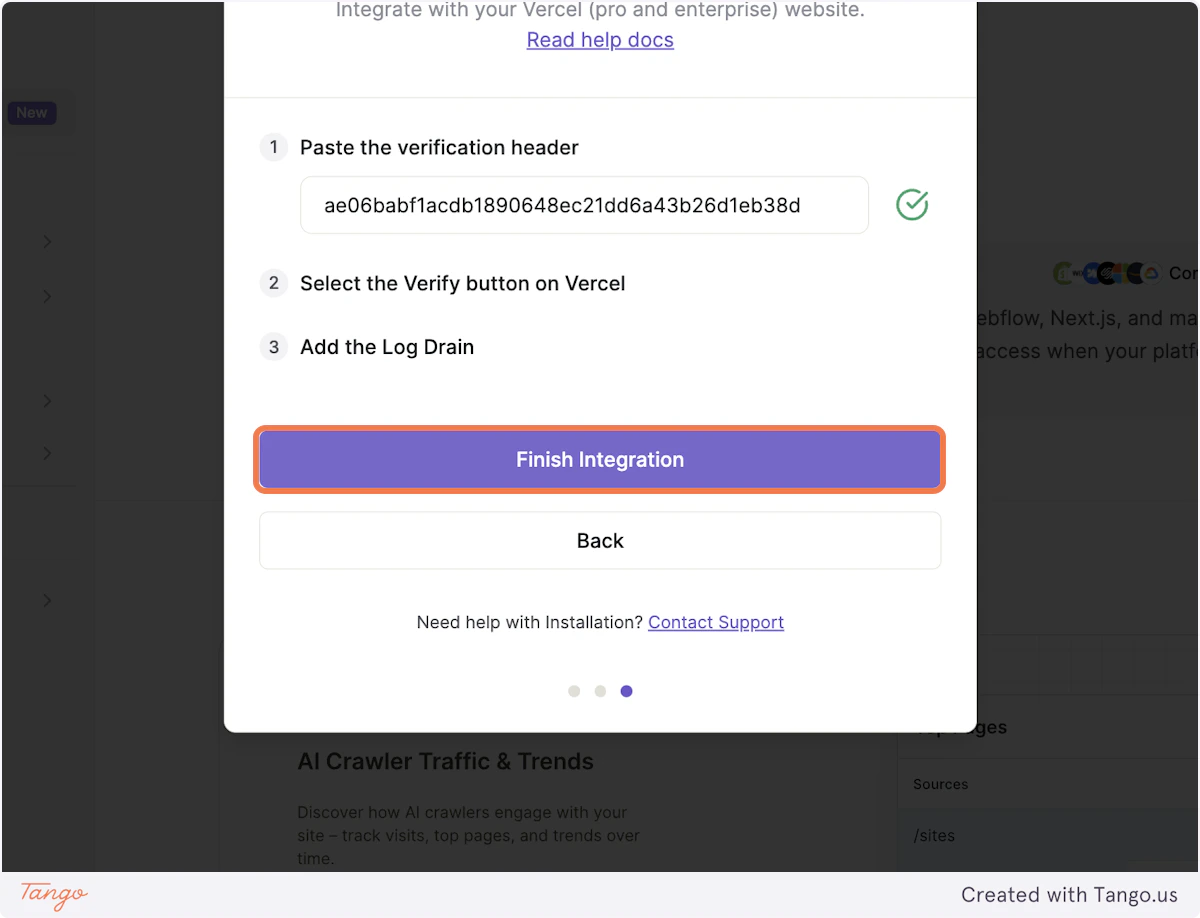
24. After submitting you will get a green tick, indicating the header has been saved
Vercel
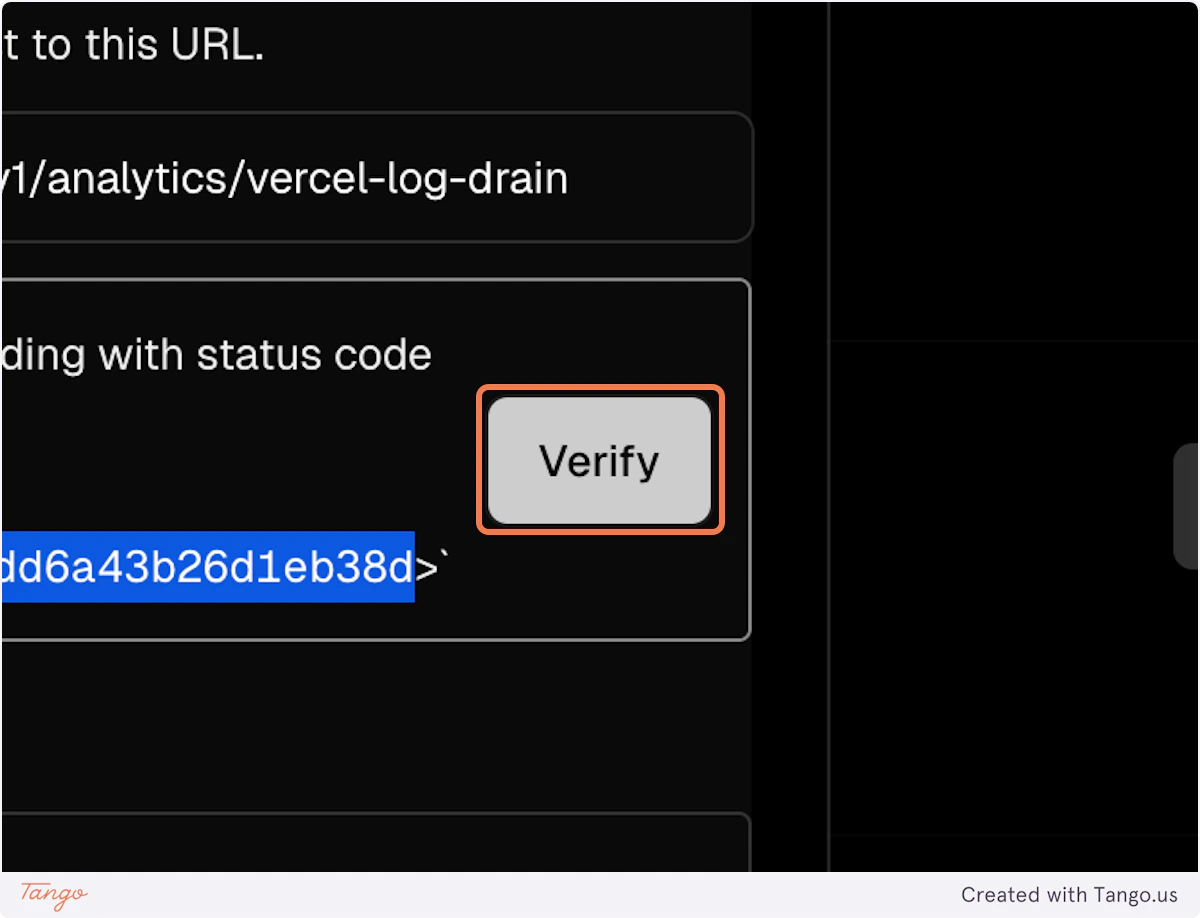
25. Click on Verify
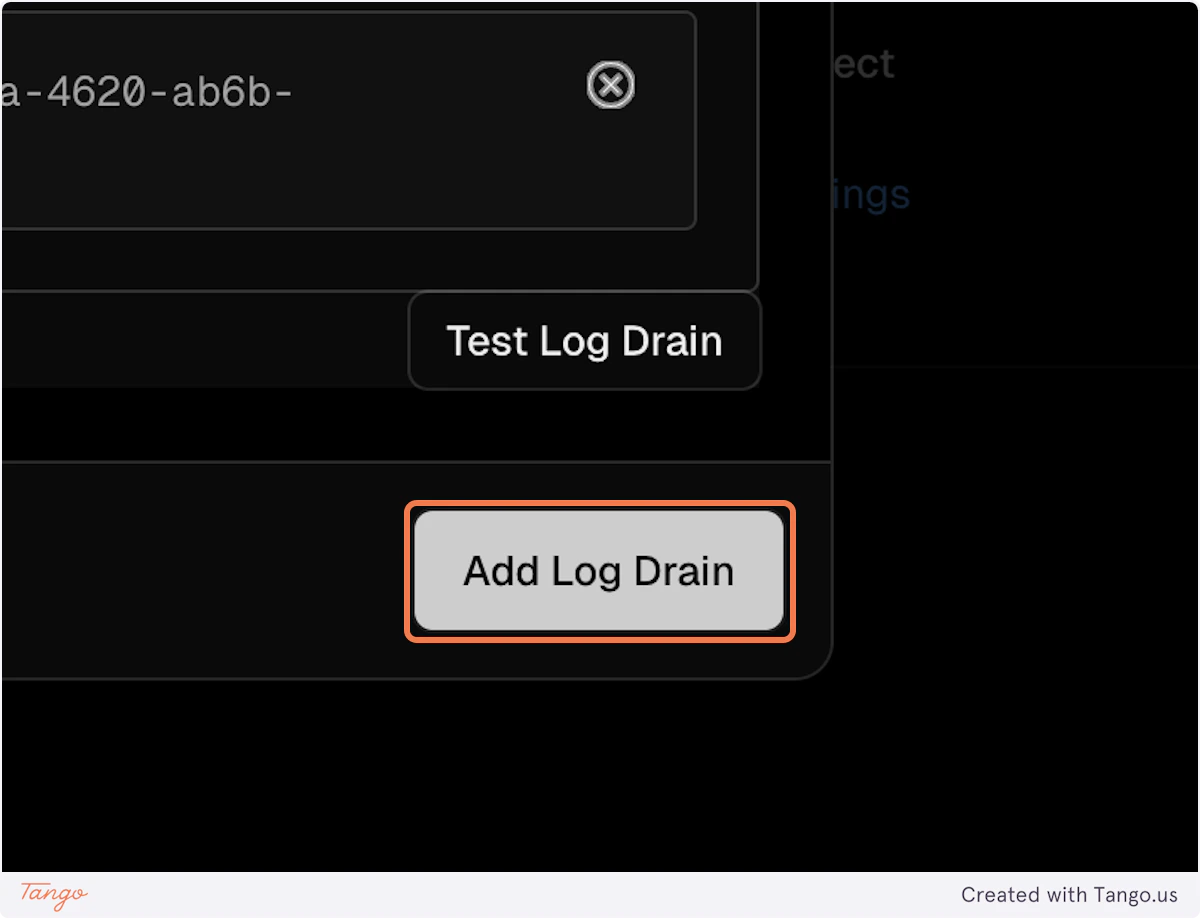
26. Once verified on Vercel, click on Add Log Drain
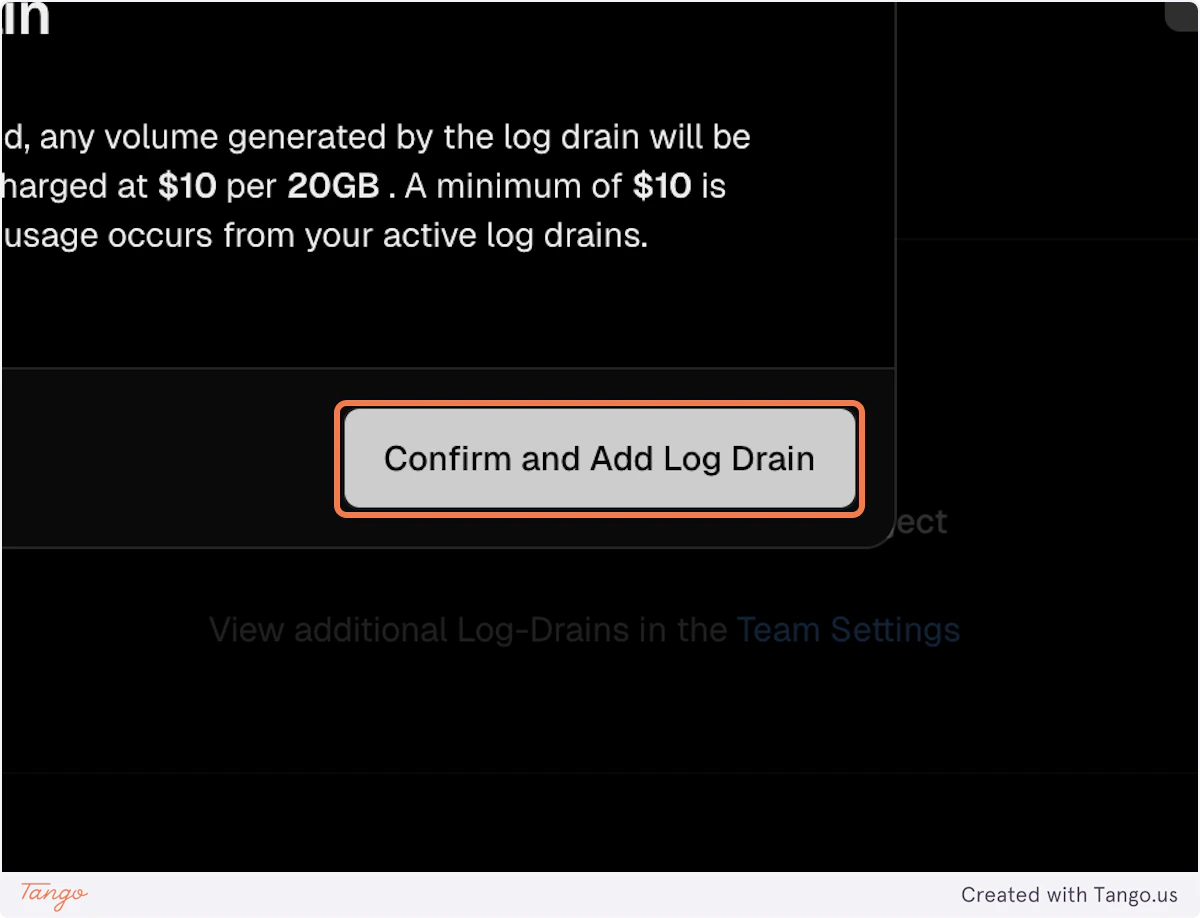
27. Click on Confirm and Add Log Drain
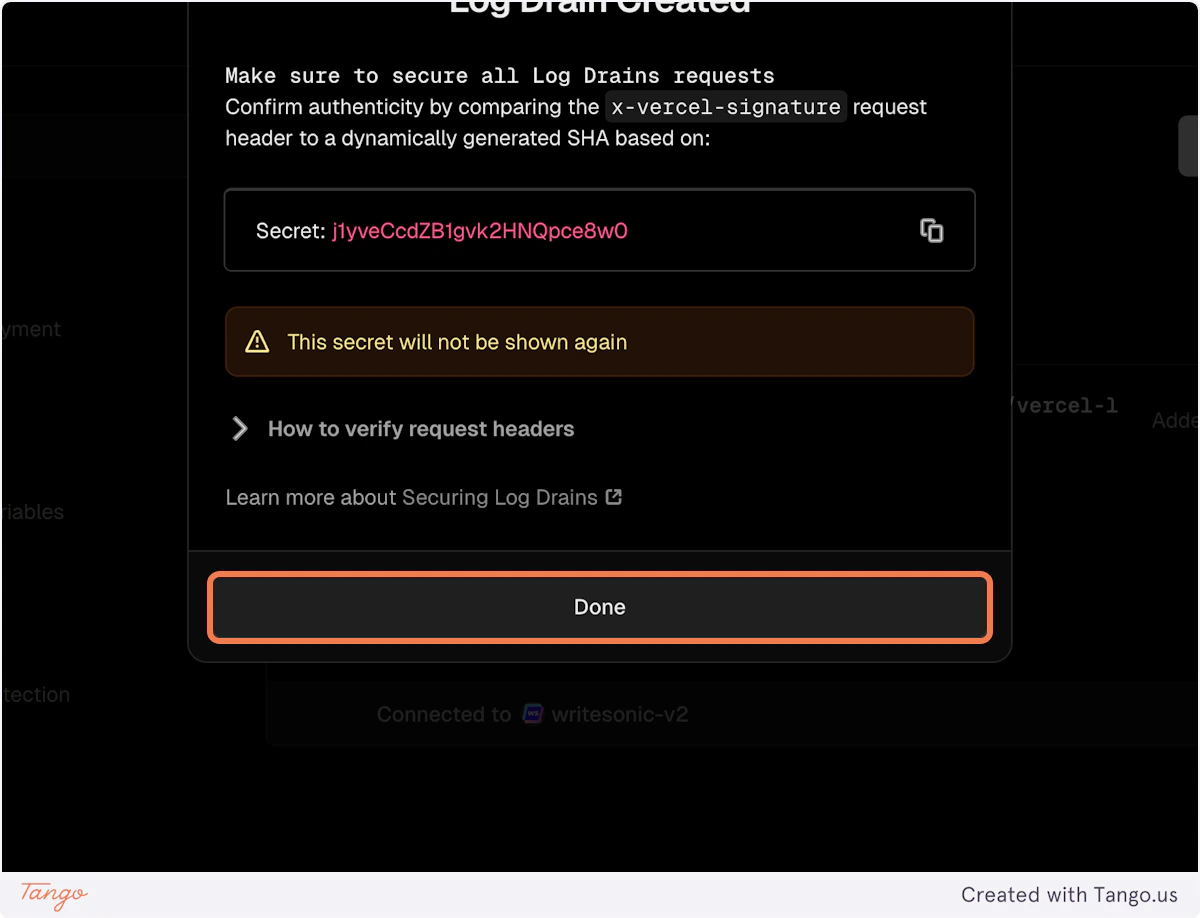
28. Click on Done
Writesonic
29. Click on Finish Integration
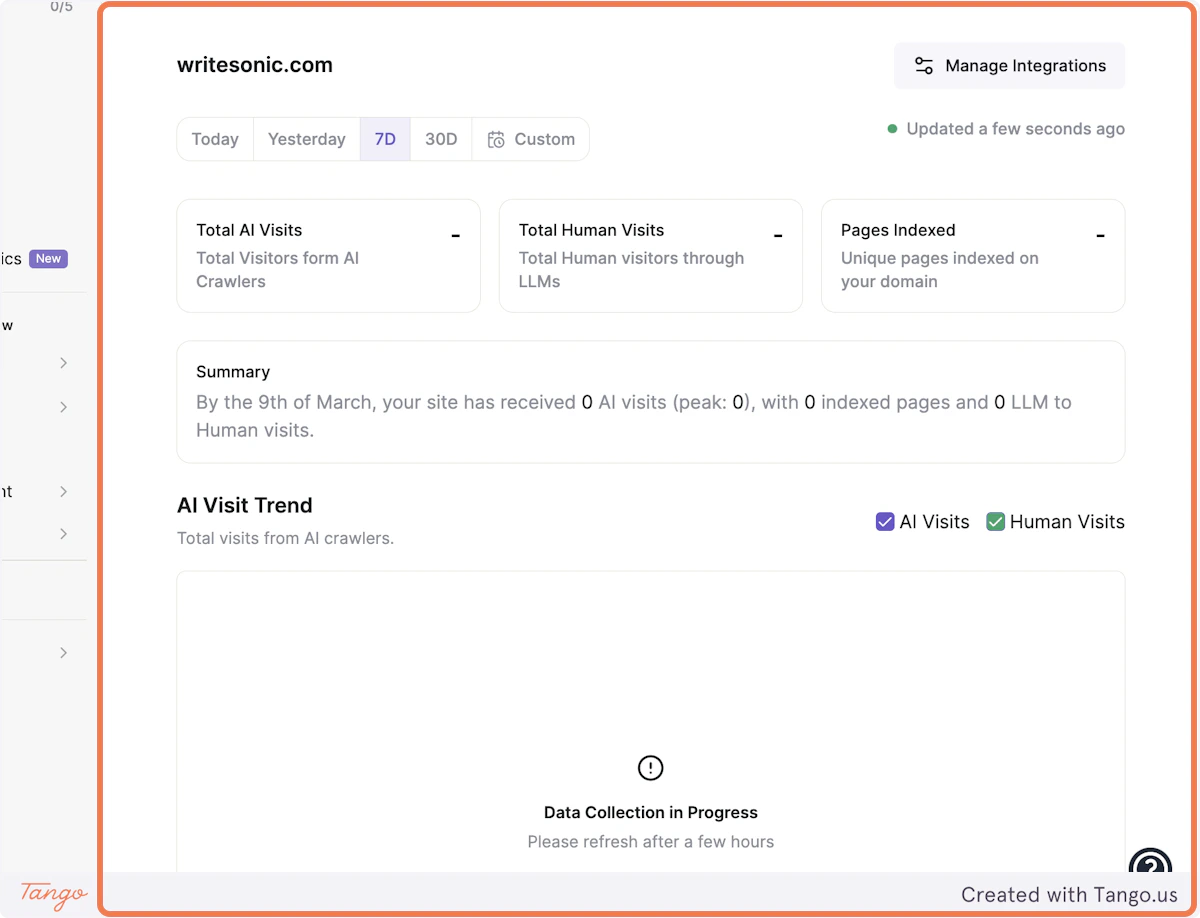
30. Your website will start capturing AI traffic using Vercel Integration
Integrating with Wordpress Integrating with Drupal