

All Inaccuracies
Go to Fact check > Inaccuracies to see every inaccurate claim AI made about your brand. For each claim, you’ll see the fact it contradicts, its Topic, and its Mention count, with the change from the previous period. Use the filters at the top to narrow the list by date, market, topic, prompt, platform, inaccuracy, or fact. Use Search to find a specific claim, or click the download icon to export the list.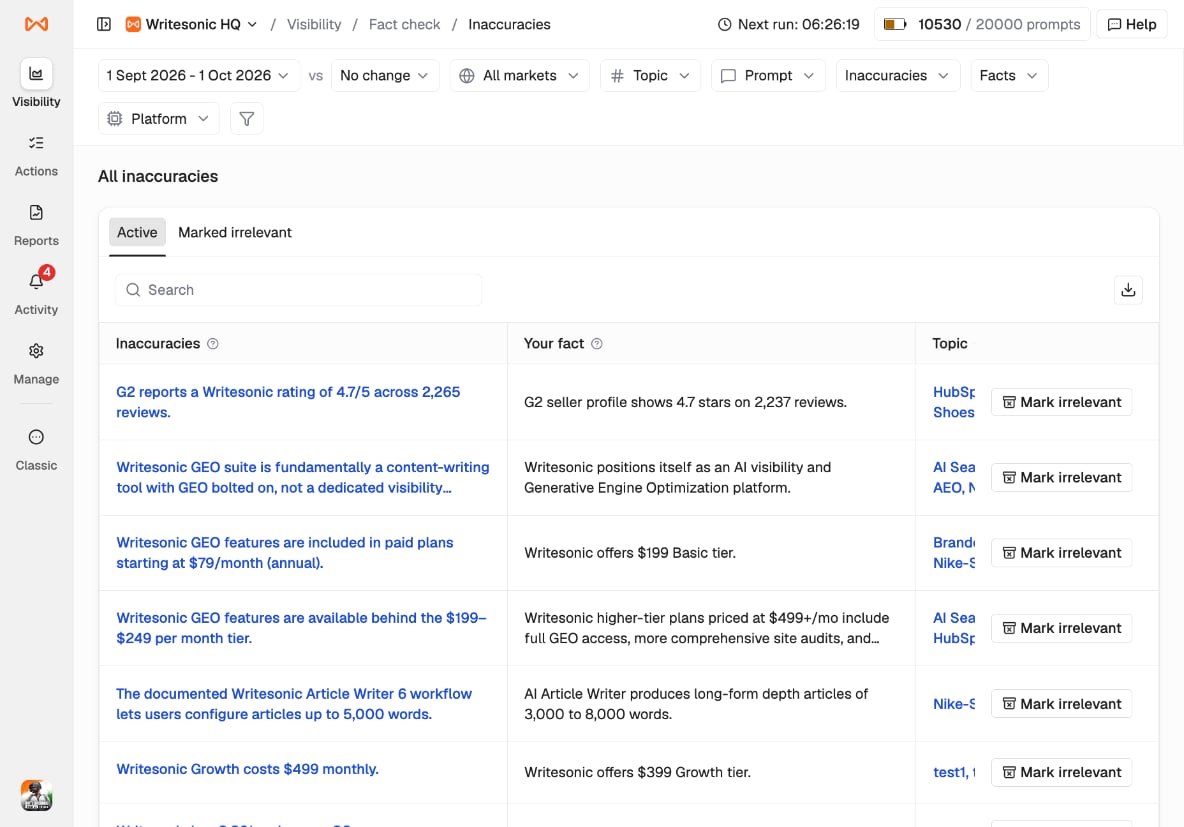
Inaccuracy Breakdown
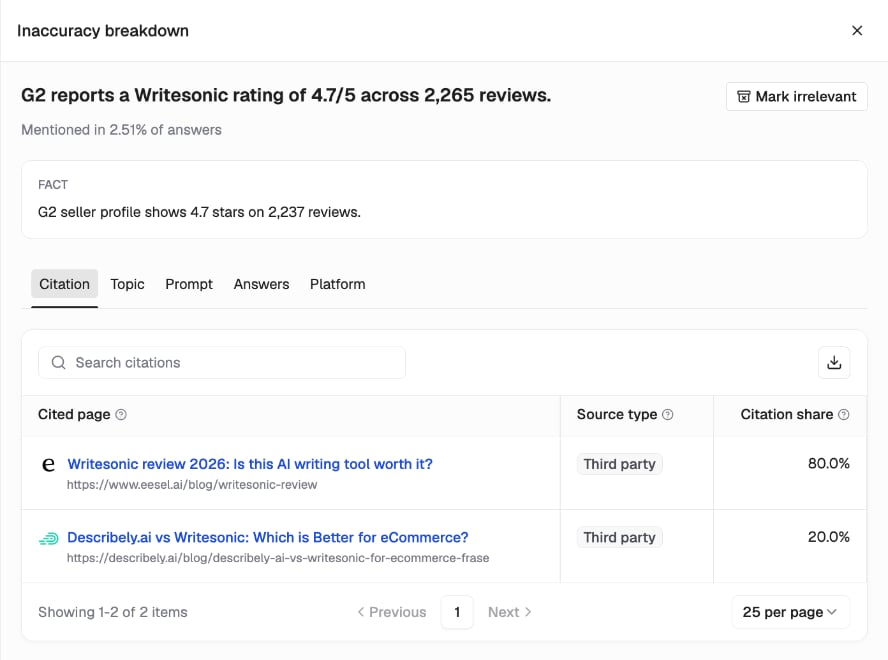
Click any claim to open its breakdown. At the top, you’ll see the inaccurate claim side by side with Fact, the fact it contradicts, and the share of answers it was mentioned in. The tabs below show where the claim comes from:- Citation: the pages AI cited for this claim, with each page’s Source type and Citation share.
- Topic: the topics where the claim appears.
- Prompt: the prompts whose answers include the claim.
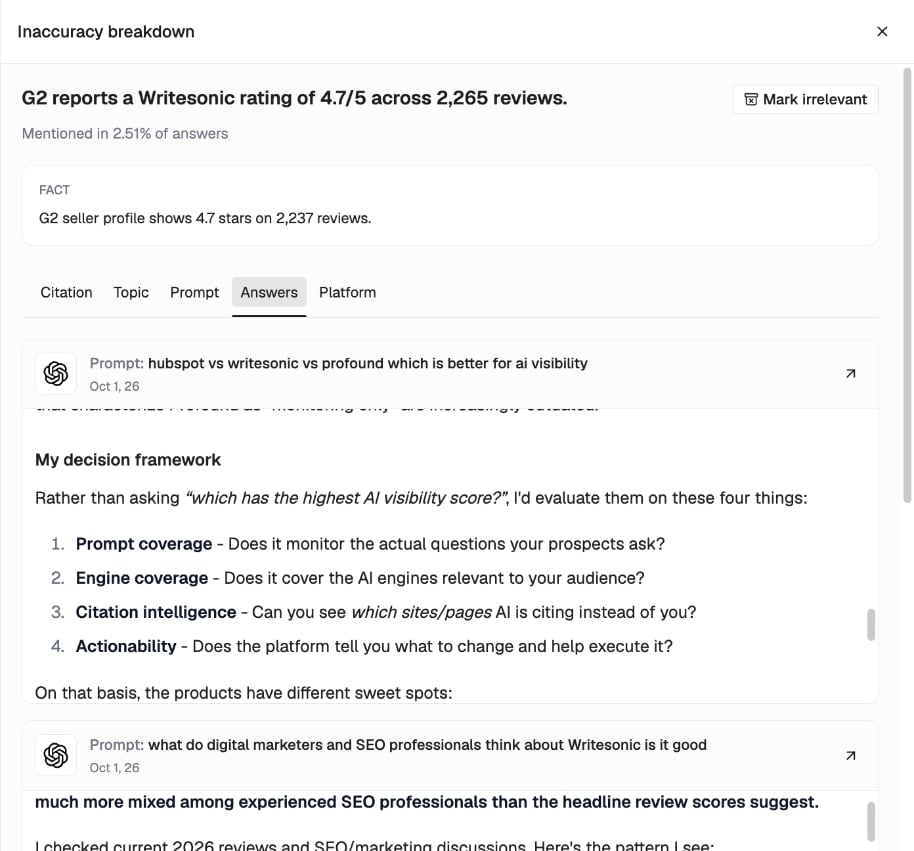
- Answers: the full AI answers that contain the claim, with the prompt and date. Click the arrow on an answer to open it.
- Platform: how many answers on each AI platform include the claim.
Fixing an Inaccuracy
How you fix an inaccuracy depends on who owns the page carrying it. Check the Source type on the Citation tab:- Your brand: update the page so it matches your facts.
- Third party or Competitor: contact the site owner and ask them to correct the information.
Tip: Fix your own pages first. They’re fully in your control and the quickest to update.